
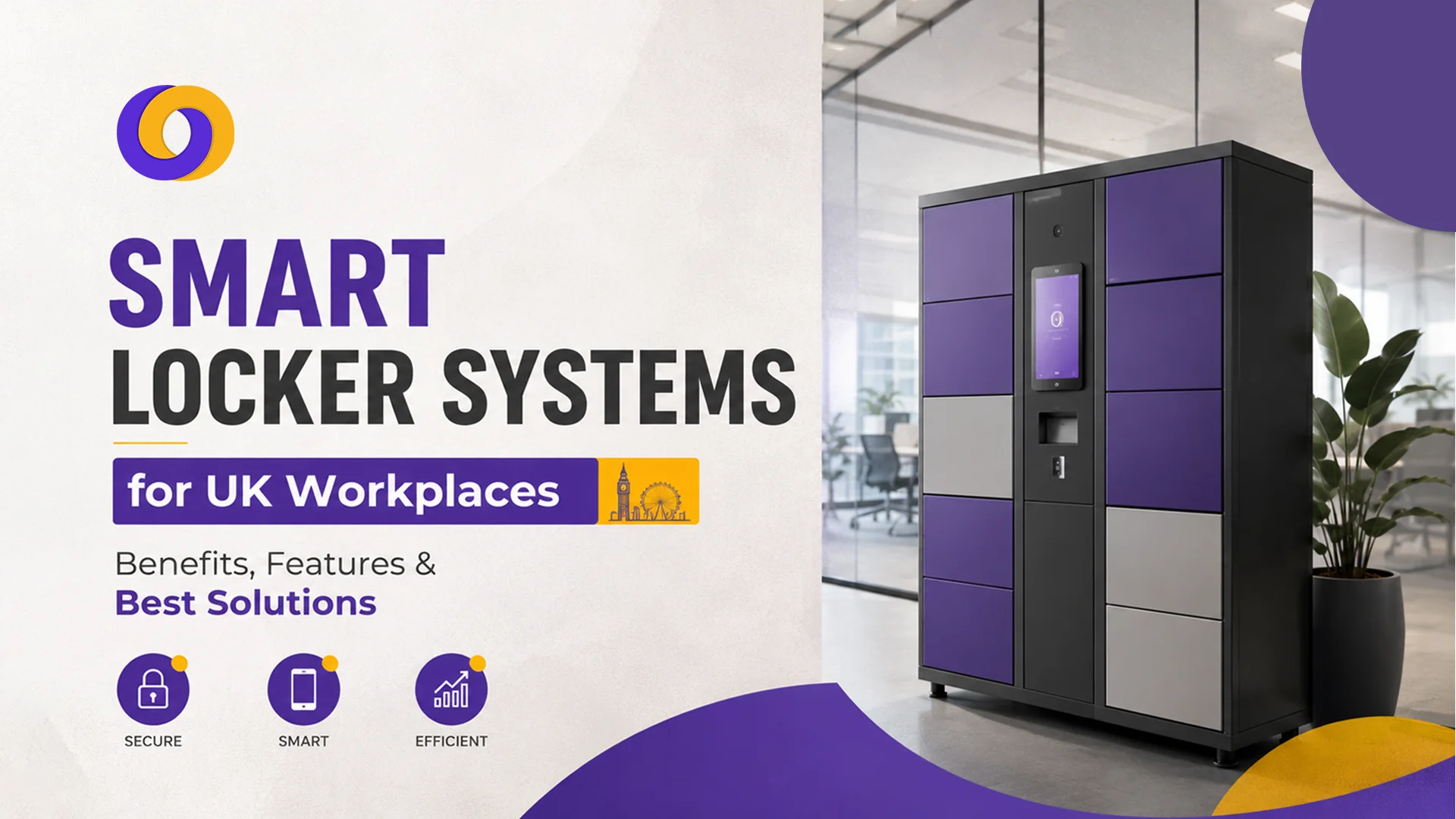
TL;DR
- Smart lockers solve hybrid workplace challenges. They provide secure, on-demand storage for employees who don’t have fixed desks, eliminating the daily scramble for storage space.
- Automated access control enhances security. Integration with employee access systems ensures only authorised staff can retrieve items, reducing theft and loss.
- Real-time tracking saves admin time. Digital logs show who is using which locker, for how long, and what items are stored. Thus, eliminating manual tracking and lost keys.
- UK businesses are adopting smart lockers rapidly. From offices and warehouses to hospitals and retail stores, organisations are replacing traditional lockers with intelligent, connected solutions.
- Costs vary widely based on features. Entry-level systems start around £200-500 per locker unit, while enterprise-grade solutions with full integration can cost significantly more.
It’s 9:15 AM. Your hybrid team has arrived; some from home, some from the office. Three employees are circling the office, searching for an empty locker to store their laptops and bags. The receptionist is juggling a stack of keys and signing out lockers manually. By the time everyone settles in, they’ve already wasted 15 minutes on a problem that shouldn’t exist.
This scenario plays out in UK workplaces every day. Traditional locker systems, with physical keys, manual sign-out sheets, and no visibility, are failing modern, hybrid workforces.
Smart locker systems offer a solution. These electronic, connected lockers use access control technology (smart cards, mobile apps, or biometrics) to provide secure, on-demand storage. They track who is using which locker, in real time, and integrate with employee access systems for seamless management.
This guide covers everything you need to know about smart locker systems for UK workplaces: benefits, key features, and the best solutions for 2026.
What Is a Smart Locker System?
A smart locker system is an electronically controlled storage solution that replaces traditional keys with digital access methods; smart cards, mobile apps, PIN codes, or biometrics. Each locker is connected to a central management platform that tracks usage, manages access, and generates reports.
Unlike traditional lockers, smart lockers offer:
- On-demand access: Employees can book and open lockers using their access credentials
- Real-time visibility: Managers see which lockers are occupied, by whom, and for how long
- Automated management: No more lost keys, manual sign-out sheets, or administrative overhead
- Integration: Connects with employee access systems, HR databases, and building management platforms
- Scalability: Systems grow with your business; add or remove lockers as workforce needs change without replacing the entire infrastructure
Common workplace applications:
- Hot-desking and hybrid office storage
- IT equipment and laptop storage
- Uniform and PPE storage
- Hospital staff changing rooms
- Warehouse and logistics staff lockers
Benefits of Smart Lockers for UK Workplaces
For Employees
1. Convenience and Speed
Employees can access lockers instantly using their existing access cards or mobile app—no waiting for keys or signing forms. This saves valuable time at the start and end of the day.
2. Flexibility for Hybrid Workers
With hot-desking becoming the norm, employees need somewhere secure to store their belongings without claiming a permanent desk. Smart lockers provide on-demand storage for hybrid workers.
3. Secure Storage
Electronic locks are more secure than traditional keys, which can be lost, copied, or shared. Access is logged and auditable, providing peace of mind.
4. Contactless Access
In a post-pandemic world, contactless solutions are preferred. Smart lockers with mobile app or card access minimise physical contact points.
5. Real-Time Availability and Booking
Employees can check locker availability in real time via a mobile app or web portal, book a locker before arriving, and release it when done.
For Employers
1. Reduced Administrative Overhead
No more managing keys, replacing lost locks, or chasing employees for overdue locker use. The system manages itself.
2. Improved Space Utilisation
Smart lockers allow flexible allocation; lockers can be assigned temporarily, reducing the number of permanent lockers needed and freeing up floor space.
3. Enhanced Security and Compliance
Digital access logs provide an audit trail of who accessed which locker and when essential for security-sensitive environments.
4. Data-DrivenDecision Making
Usage data helps you understand how many lockers are actually needed, when they’re used most, and whether you have the right capacity.
5. Integration with Existing Systems
Smart lockers integrate with employee access control systems, enabling seamless employee onboarding and offboarding. When an employee leaves, their access is automatically revoked.
Key Features to Look for in Smart Locker Systems
Feature | Why It Matters |
Access control integration | Connects with existing employee cards or mobile credentials. No separate system to manage |
Real-time monitoring | See which lockers are occupied, by whom, and for how long, eliminates guesswork |
Mobile app access | Employees book and open lockers from their phones; supports touchless access |
Asset tracking | Log what items are stored in each locker, useful for IT equipment and PPE |
Remote management | Administrators can assign, release, and monitor lockers from anywhere |
Reporting and analytics | Usage reports show peak demand, occupancy rates, and locker utilisation |
Tamper-proof security | Electronic locks with audit trails; alerts for unauthorised access attempts |
Scalability | Systems that grow with your business, add lockers as needed without replacing the entire system |
Integration with HR systems | Employee access is automatically managed through HR systems, onboarding and offboarding synchronised |
Energy efficiency | Low-power systems and optional solar power for outdoor installations |
Types of Smart Locker Systems
Smart lockers come in various configurations to suit different workplace needs, from compact desk-side units for hybrid workers to rugged outdoor lockers for construction sites and logistics hubs. Choosing the right type depends on what you’re storing, where the lockers will be located, and who needs access.
1. Desk-Side and Office Lockers
Best for: Hybrid workplaces, hot-desking, and flexible offices
These lockers are typically smaller, designed for laptops, bags, and personal items. They can be installed in open-plan areas, near entrances, or at hot-desking stations.
Key features:
- Compact design
- Mobile app or card access
- Temporary allocation for hybrid workers
- Integration with desk booking systems
2. IT and Equipment Lockers
Best for: Laptops, tablets, phones, and other company assets
IT lockers are designed for secure storage of valuable equipment. They often include charging points and are used in IT departments, help desks, and shared equipment pools.
Key features:
- Built-in charging (USB, power outlets)
- Asset tracking integration
- Tamper-proof locks
- Multi-day storage options
3. Uniform and PPE Lockers
Best for: Healthcare, manufacturing, and logistics
These lockers are larger, designed for storing uniforms, protective equipment, and personal belongings. They’re common in hospitals, warehouses, and production facilities.
Key features:
- Large compartments
- Ventilation for damp items
- Card or biometric access
- Integration with shift scheduling
4. Outdoor and Weatherproof Lockers
Best for: Warehouses, construction sites, and transport hubs
Outdoor lockers need to withstand UK weather conditions. They’re used for staff who work in multiple locations or need secure storage outside the main building.
Key features:
- Weatherproof construction (IP-rated)
- Tamper-proof design
- Solar-powered options
- Mobile app access for remote workers
5. Secure Package and Parcel Lockers
Best for: Office receptions, apartment buildings, and multi-tenant workplaces
With the rise of e-commerce and hybrid working, secure parcel storage has become essential. These lockers are designed for receiving and storing deliveries until employees collect them, reducing reception handling time and preventing lost or misplaced packages.
Key features:
- Integration with courier delivery networks
- Automated email or SMS notifications to recipients
- Secure compartment sizes for parcels of various dimensions
- One-time access codes for delivery staff and recipients
- Audit trail of delivery and collection times
Types of Smart Locker – Quick Table
Type | Best For | Key Features |
Desk-Side and Office Lockers | Hybrid workplaces, hot-desking, flexible offices | Compact design; mobile/card access; temporary allocation |
IT and Equipment Lockers | Laptops, tablets, phones, company assets | Built-in charging; asset tracking; tamper-proof locks |
Uniform and PPE Lockers | Healthcare, manufacturing, logistics | Large compartments; ventilation; card/biometric access |
Outdoor and Weatherproof Lockers | Warehouses, construction sites, transport hubs | Weatherproof (IP-rated); tamper-proof; solar options |
Secure Package and Parcel Lockers | Office receptions, apartment buildings, multi-tenant workplaces | Integration with courier networks; automated notifications; one-time access codes |
Smart Locker Solutions for UK Workplaces (2026)
Provider | Best For | Key Features | Price Range |
Salto KS | Integrated access control | Connects with Salto access systems; smart card and mobile access | £200-500 per locker |
Traka | High-security environments | Advanced tamper-proof lockers; audit trails; integration with asset tracking | £300-600 per locker |
LockTec | IT and equipment storage | Built-in charging; mobile app access; asset tracking | £250-450 per locker |
Access Lockers | Corporate offices | Modern design; mobile app booking; integration with desk booking | £200-400 per locker |
Smart Locker UK | Hybrid and hot-desking | Cloud-based management; real-time monitoring; flexible allocation | £180-350 per locker |
Safetech | Healthcare and PPE | Ventilated compartments; card and biometric access; durable construction | £300-550 per locker |
Vtrack | Outdoor and logistics | Weatherproof; solar options; mobile app access; tamper-proof | £350-700 per locker |
Prices are approximate and vary based on configuration, number of lockers, and installation requirements.
How to Choose the Right Smart Locker System for Your Workplace
Choosing the right smart locker system starts with understanding your specific requirements; who will use them, what they’ll store, and where they’ll be located. Prioritise integration with existing access systems, security features, and scalability to ensure your investment adapts as your workplace evolves.
1. Define Your Requirements
Start by understanding what you need:
Question | Why It Matters |
Who will use the lockers? | Employees, visitors, contractors? |
What will they store? | Laptops, uniforms, PPE, personal items? |
Where will they be located? | Indoor, outdoor, near entrances, in secure areas? |
How long will items be stored? | Hours, days, weeks? |
What access methods do you have? | Existing access cards, mobile apps, biometrics? |
2. Consider Integration with Existing Systems
Your smart lockers should integrate with:
- Employee access control: Use existing cards or mobile credentials
- HR systems: Automated onboarding and offboarding
- Desk booking systems: Coordinate with hot-desking
- Asset management: Track valuable IT equipment
- Visitor management: Provide temporary locker access for contractors, guests, and temporary staff, with automatic expiry after their visit
3. Assess Security Requirements
- Do you need tamper-proof locks?
- Is an audit trail required for compliance?
- What happens if a locker is forced open?
- How is access revoked for departing employees?
- How are access credentials managed for temporary or shared use?
4. Factor in UK-Specific Considerations
- GDPR compliance: Employee data must be handled in accordance with UK data protection laws
- Weather conditions: Outdoor lockers must withstand UK rain and temperature variations
- Fire safety: Lockers must comply with building fire regulations
5. Plan for Scalability
Choose a system that can grow with your business—add more lockers without replacing the entire system.
Smart Lockers and UK Data Protection
Smart locker systems process employee data: who accessed which locker, when, and for how long. Under UK GDPR, you must:
- Be transparent: Tell employees what data is collected, why, and how long it’s kept
- Limit data collection: Collect only what’s necessary
- Secure data: Encrypt access data and limit access to authorised personnel
- Set retention periods: Define how long access logs are kept and delete them after that period
- Provide opt-out alternatives: Employees must have the option to use non-biometric alternatives (swipe cards, PIN codes) with no detriment if they do not wish to use biometric access
A reputable provider will offer GDPR-compliant systems with clear data processing agreements.
Conclusion
Smart locker systems are transforming UK workplaces by providing secure, flexible, and efficient storage for hybrid and shift-based workforces. They eliminate the chaos of traditional lockers, lost keys, manual tracking, and administrative overhead, while enhancing security and providing valuable usage data.
When choosing a smart locker system for your UK workplace, prioritise integration with existing access systems, security features, and scalability. Consider the specific needs of your workforce: hybrid workers need flexible allocation; IT departments need asset tracking; healthcare requires uniform and PPE storage.
The initial investment is offset by reduced admin time, improved space utilisation, and enhanced employee experience. For UK organisations with 50+ employees, smart lockers typically pay for themselves within 12-18 months through reduced admin and improved efficiency.
How Smart Workforce Supports Workplace Locker Management
Smart Workforce is an all-in-one workforce management platform for UK security, care, and service sector employers. While it doesn’t directly manage smart lockers, it integrates with workplace access systems to:
- Track employee access: Who is on-site, when, and for how long
- Manage shift schedules: Coordinate locker allocation with shift patterns
- Monitor attendance: Real-time visibility of who is clocked in
- Compliance tracking: BS7858 vetting and lone worker safety
For organisations using smart lockers, Smart Workforce provides the workforce management layer that makes locker systems more effective, ensuring the right people have access at the right times.
Discover How Smart Workforce Supports Your Workplace – Book a Demo Today
Frequently Asked Questions
What is a smart locker system?
A smart locker system is an electronically controlled storage solution that uses digital access methods (smart cards, mobile apps, PIN codes, or biometrics) instead of traditional keys. It connects to a central management platform that tracks usage, manages access, and generates reports.
How do smart lockers work in the workplace?
Employees access lockers using their existing access credentials (smart card, mobile app, or PIN). The locker opens electronically, logs the access event, and tracks usage. Managers monitor occupancy in real time, allocate lockers remotely, and generate usage reports.
What are the benefits of smart lockers for employees?
Employees enjoy fast, convenient access without waiting for keys, secure storage for personal and work items, and flexibility, especially useful for hybrid workers who don’t have fixed desks. Contactless access also reduces physical contact points.
How much does a smart locker system cost in the UK?
Costs range from £180-500 per locker unit for basic systems, rising to £500-700+ for enterprise-grade or outdoor solutions with advanced features. Installation, integration, and ongoing software licensing may add to the total cost.
Are smart lockers suitable for hybrid workplaces?
Yes, they are ideal for hybrid workplaces. Employees can book lockers on demand, eliminating the need for permanent assigned lockers and freeing up space. Integration with desk booking systems creates a seamless hybrid experience.
How secure are workplace smart lockers?
Smart lockers use electronic locks with audit trails, tamper-proof designs, and integration with existing access control systems. Access is logged and auditable, and security can be enhanced with biometrics or two-factor authentication.
Can smart lockers integrate with employee access systems?
Yes, most modern smart locker systems integrate with existing employee access control systems. Employees use their existing access cards or mobile credentials to open lockers, simplifying management and onboarding.
What is the difference between smart and traditional lockers?
Traditional lockers use physical keys or combination locks, with manual sign-out sheets and no visibility of usage. Smart lockers use electronic access with real-time tracking, remote management, automated reports, and integration with other workplace systems.
Can smart lockers be used for IT equipment and company assets?
Specialised IT lockers include built-in charging points, asset tracking, and tamper-proof security. They’re ideal for storing laptops, tablets, phones, and other valuable equipment, with logs showing who accessed which items.
What should businesses consider when choosing smart lockers?
Consider integration with existing access systems, security requirements, scalability, installation location (indoor/outdoor), the types of items being stored, and GDPR compliance. Also factor in support, maintenance, and the provider’s track record.

0 Comments