
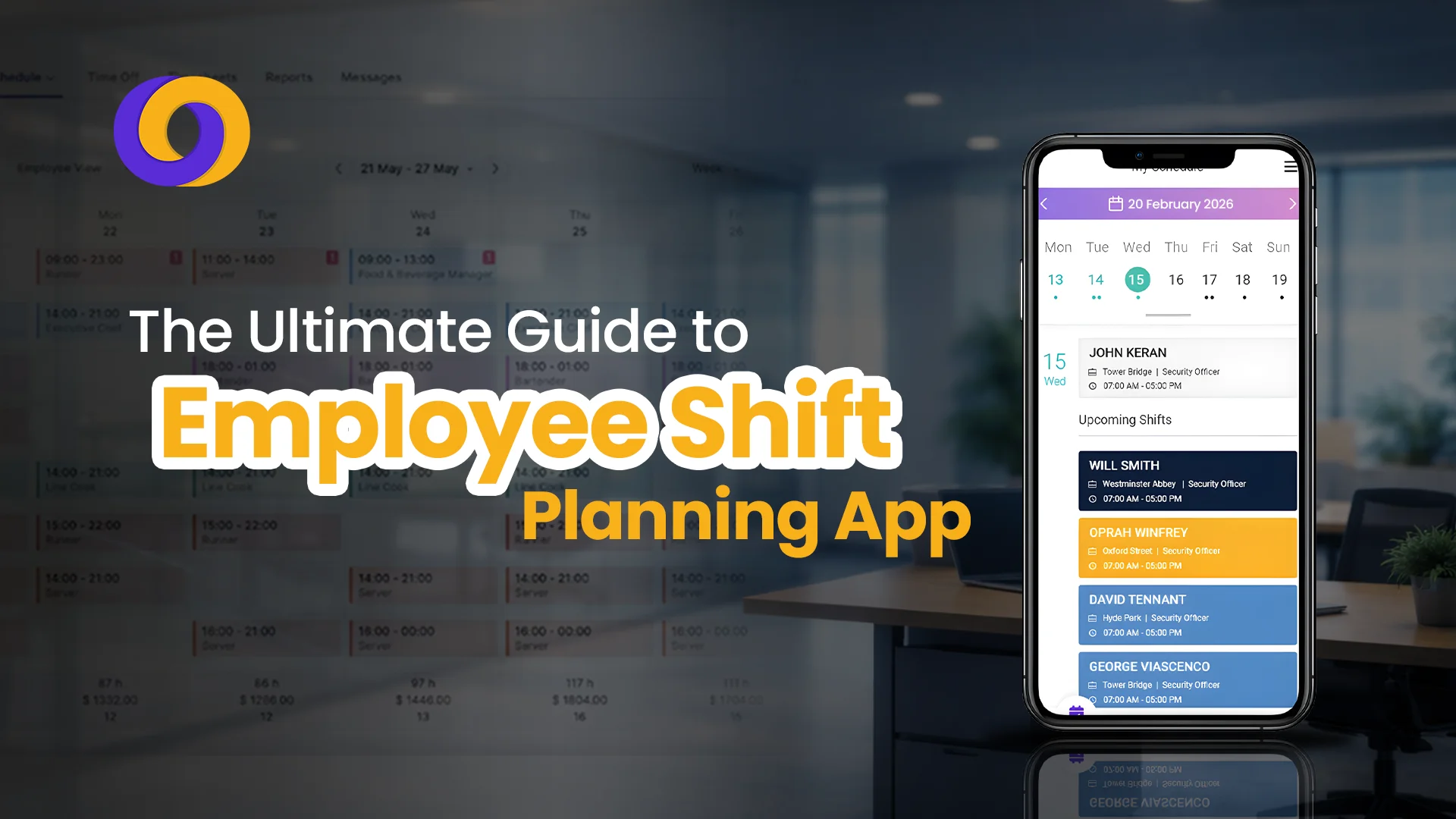
Being an HR manager of a small security company in the UK, Sarah has to manage a team of almost 40 security guards. All of them belong to diverse backgrounds performing various roles.
However, as the company grows, they are planning to shift from manual scheduling to automation. Now, the question arises, how is it possible? The answer is Features, benefits, and real results inside..
With the help of this app, Sarah can now get rid of all the long and tiresome paper-based record-keeping. Also, their feasibility report says that there will be a potential decrease in scheduling time, a visible increase in accuracy, and a boost in team productivity of guards.
Continue reading this blog to learn how this best employee shift schedule app works to improve operational efficiency and expand the scope of operations.
What is an Employee Shift Scheduling App?
An employee shift scheduling app is a digital solution that is designed to automate the shifts of on-duty staff. With this feature-enriched app, managers can now simplify and systematize the procedure of generating shifts, supervising performance, and communicating work schedules to employees.
These apps ensure the availability of the right person at the right place at the right time; all this from a centralized dashboard. Besides, it offers greater flexibility and convenience for both managers and staff in many ways. For example, staff members can know their schedules beforehand, request time off, keep track of their attendance, and swap shifts directly through the app.
Additionally, this shift schedule app offers features such as real-time notifications, shift reminders, break planning, wage calculation, and many more. Thus, helping businesses enhance their employee management processes and improve output.
Features of the Shift Planning App
This cloud-based app delivers a variety of features to its users. Let’s discuss them in detail one by one:
1. Flexible Scheduling
Most of the time, managers have to oversee their teams across multiple shifts. The first feature offered by the app is flexible scheduling. There are times when demand is high, and the available staff is quite hard to keep up. The accommodation of workers during peak hours becomes a headache for the management.
With the help of this app, employees can get control of their schedules. They input their preferred work hours and request time off directly, making the scheduling procedure more convenient.
2. Shift Management
Consider a restaurant manager, Peter. He has the task of organizing the weekly shifts for his team of chefs, attendants, and hosts. Using this app, he can easily create, edit, and assign shifts according to each worker’s skills and availability.
For instance, assigning longer shifts to skilled staff during rush hours and shorter shifts to freshers during other times. Moreover, the intuitive interface allows Peter to quickly make adjustments at the last moment. These changes could be due to shift swaps or requests for time off.
3. Employee Satisfaction
Every manager strives to maintain a motivated and engaged team. As discussed earlier, with Smart Workforce, employees get more control over their schedules. When workers get this type of command, it boosts their confidence and motivation level.
Additionally, the app enables seamless communication between staff and HR, allowing them to address any concerns or issues promptly. By providing employees with such transparent communication, the app contributes to a positive work culture. This results in enhanced employee satisfaction and retention.
4. Remote Working
After the pandemic, remote working has become a common practice. Employees can now work from anywhere, anytime. Thanks to technology. But is managing the remote staff easy? How can you control their tasks when they are not present in front of you?
The app has made it possible too. You can now assign tasks to your remote workers and keep a record of their performance. Furthermore, you can also track their location and whether they are working at the moment or not.
5. Break Planning
Employees need adequate time to rest and recharge for the rest of the day. The app helps make schedules according to their working hours. If we consider a small retail store where staff have to work long hours, break planning becomes crucial.
Depending on the peak rush hours throughout the day, the manager can plan their shifts, allowing them to get enough breaks. This system helps prevent burnout, improve focus and productivity, and enhance job satisfaction. In addition, break planning leads to a positive work environment as the organization values employee well-being and respects their need for downtime.
6. Reduce Labor Expenses
One of the most important advantages of the app is that it helps prevent understaffing and overstaffing during working hours. The shifts are scheduled considering the peak working hours so that there is no extra staff during reduced workload and vice versa.
This balance is the essence of this app, offering a multitude of benefits alongside. For instance, the real-time monitoring capabilities help track employee hours and overtime, preventing excessive labor costs. Hence, businesses can significantly reduce their labor expenditures while maintaining operational competence and viability.
7. Amplify Corporate Growth
The objective of every business is to maximize profits and minimize operational costs. The app offers useful analytical capabilities to provide valuable insights into workforce performance and productivity trends.
This enables management to make data-driven decisions to support continued growth. With optimized staff management, the company can scale its operations efficiently, capitalize on emerging opportunities, and drive sustainable corporate growth.
The ROI of Shift Scheduling Apps
Before investing in any solution, business leaders need to understand the tangible return on investment. Here are compelling statistics that demonstrate why shift scheduling apps are no longer optional:
Metric | Impact |
Scheduling time reduction | Managers save 5-10 hours per week using automated scheduling |
Scheduling errors | Reduced by up to 90% compared to manual methods |
Overtime costs | Decreased by 15-30% through better shift planning |
Employee no-shows | Reduced by 25% with automated reminders |
Staff turnover | Improved retention by 20% when employees have schedule flexibility |
Payroll accuracy | 99.9% accuracy with integrated time tracking |
For a security company with 50 guards earning an average of £12 per hour, these improvements translate to approximately £25,000-£40,000 in annual savings—far exceeding the cost of any scheduling software.
Final Words
In conclusion, the employee shift schedule app stands out as an important tool for businesses striving to streamline their staff management processes and drive operational excellence in 2025.
With its robust features such as flexible scheduling, shift management, fatigue and overtime management, break planning, and cost reduction capabilities, the app empowers organizations to optimize their labor resources, enhance employee satisfaction, and ultimately achieve corporate growth.
By utilizing the innovative functionalities offered by this app, businesses can adapt to dynamic market demands, reduce labor expenses, and improve productivity.
So, wait, what? Invest in Smart Workforce today to achieve unrivaled success and unmatched yield in the years ahead.
Frequently Asked Questions
What is the difference between a shift scheduling app and workforce management software?
A shift scheduling app focuses primarily on creating and managing employee rotas, shift swaps, and basic communication. Workforce management software is more comprehensive, including scheduling plus additional features like time and attendance tracking, payroll integration, staff vetting, performance analytics, and sometimes HR functions.
Can shift scheduling apps handle complex rotas like 12-hour shifts and night rotations?
Yes, modern scheduling apps are specifically designed to handle complex shift patterns, including Pitman schedules, continental shifts, and rotating day/night cycles. They allow managers to create templates for recurring patterns, automatically enforce rest break compliance, and ensure fair distribution of unpopular shifts.
How do employees access their schedules and request changes?
Most scheduling apps offer dedicated employee mobile apps or web portals. Through these, staff can:
- View their schedules in real-time (days, weeks, or months ahead)
- Receive push notifications for shift reminders or changes
- Request time off with automatic approval workflows
- Swap shifts with colleagues (subject to manager approval)
- Clock in/out using facial recognition or GPS
- Access payslips and holiday balances
This self-service functionality reduces the administrative burden on managers while empowering employees with greater control over their work-life balance.

0 Comments