
A manufacturing plant operates at full capacity during the transition between work shifts. Time clock lines form as hundreds of employees approach their workstations while displaying their identification badges.
An exhausted employee uses their coworker’s badge to record a time entry for them through buddy punching. Businesses lose an average of 2.2% of their gross payroll through fraudulent time entries, which result from a single fraudulent time entry. Time theft costs companies with £5 million payroll operations £110,000 in financial losses.
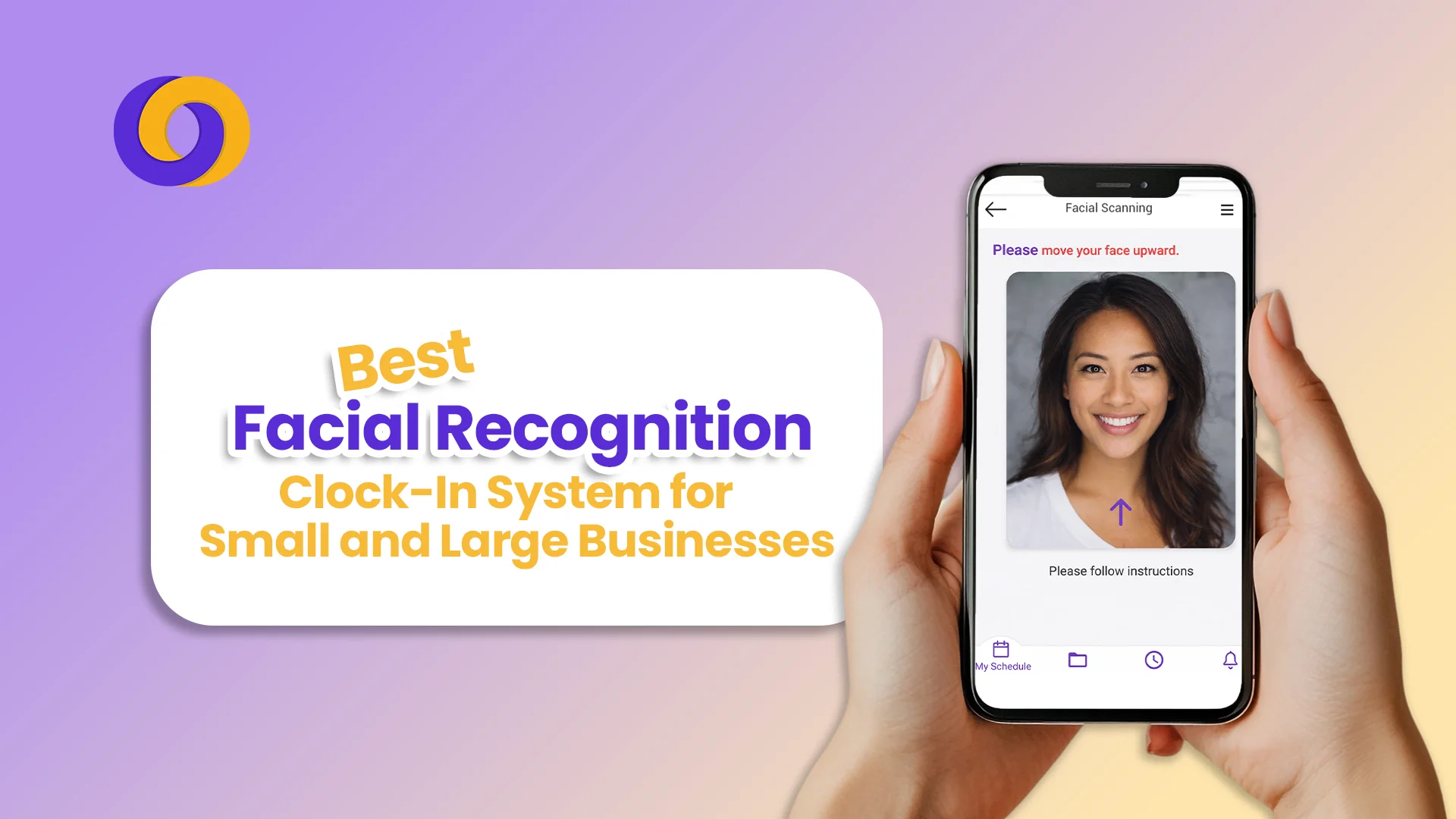
The same shift change now begins to take place. Employees walk toward a tablet and spend two seconds looking at the screen before continuing onward. The system operates without the need for identification badges because it does not require waiting in lines and prevents all types of fraudulent activities.
The system uses instant facial identification to record employee entry times, which it directly connects to the payroll system. Facial recognition clock-in systems provide businesses of all sizes with a technology solution that improves their workforce management operations.
Facial Recognition System
The facial recognition time clock system establishes employee identity through biometric AI technology, which uses their distinct facial traits as verification. Your face remains with you at all times because it cannot be duplicated, while PIN codes and swipe cards allow sharing and theft. Systems use mathematical systems to generate a “faceprint,” which creates an encrypted template that does not store actual images but operates as a comparison point whenever an employee clocks in or out.
The appropriate facial recognition system will enable your retail business, which has 20 employees, to protect against time theft, while automated payroll processing provides immediate employee tracking.
In this blog, we’ll discuss the best facial recognition clock-in system to help you find the perfect fit.
10 Features to Look for in a Face Recognition Attendance System
Before explaining specific products, understand what separates a good system from a great one:
- 99.5%+ recognition accuracy that works across lighting conditions, with or without glasses, and even with masks or safety equipment
- Liveness detection technology that prevents spoofing using photos, videos, or masks
- Touchless operation for improved hygiene and user convenience
- GPS and geofencing validation to ensure employees clock in from approved locations
- Offline functionality that stores punches locally and syncs when connectivity returns
- Seamless payroll integration with systems like QuickBooks, Xero, ADP, and major HRIS platforms
- Real-time reporting dashboards for instant visibility into attendance, overtime, and labour costs
- Mobile app support for remote and field employees to clock in from anywhere
- Scalable architecture that grows from dozens to thousands of employees without performance loss
- GDPR and biometric privacy compliance with encrypted data storage and clear consent protocols
Top 7 Facial Recognition Clock-In Systems
| System | Best For | Starting Price | Key Differentiator | Overall Rating |
| Buddy Punch | Overall/Kiosk | $4.49/user/month | FaceID on iPad/iPhone for fast, secure clock-ins | 4.8/5 |
| Timeero | Field Teams | Not specified | AI-powered facial recognition optimised for remote employees | Not rated |
| Jibble | Ease of Use | Free – $2.99/user/month | 4-pose AI facial recognition across multiple platforms | 4.8/5 |
| ClockShark | Construction/Field | Not specified | Robust facial recognition with GPS and scheduling integration | Not rated |
| ADP Workforce Now | Large Enterprises | Custom pricing | Comprehensive HR/payroll with enterprise-grade biometric security | 4.4/5 |
| Fareclock | Flexibility | $1.50/user/month | Use your own hardware (tablets) for cost-effective deployment | 4.6/5 |
| Smart Workforce | UK Security/Compliance | Modular pricing | Integrated BS7858 vetting, patrol management, and lone worker safety | Not rated |
Detailed Analysis of Top Facial Recognition Systems
1. Buddy Punch (Best Overall/Kiosk)
Overview: Buddy Punch transforms any iPad or iPhone into a facial recognition time clock kiosk. Employees simply look at the device, and FaceID technology verifies their identity in seconds.
Features:
- FaceID-based biometric recognition on Apple devices
- GPS and IP address verification for location accuracy
- Auto break rules and punch rounding
- PTO accrual tracking
- Exports directly to QuickBooks, ADP, Paychex, and SurePayroll
- Real-time dashboard showing who’s on the clock
Pros:
- Exceptionally intuitive interface with 98% positive ease-of-use reviews
- Comprehensive employee time management features
- Strong GPS tracking for remote teams
- 97% overall positive sentiment from 1,124+ reviews
Cons:
- Occasional technical glitches reported (42% of negative reviews cite bugs)
- Some users note slow loading times and app crashes
- Limited functionality for complex enterprise needs
Rating: 4.8/5 based on 1,124 user reviews Starting Price: $4.49 per user, per month with free trial available
2. Timeero(Best for Field Teams)
Overview: Timeero specialises in AI-powered facial recognition for remote and mobile workforces, ensuring accurate identification even when employees are on the go.
Features:
- AI-powered facial recognition optimised for mobile devices
- GPS tracking and route replay for field teams
- Job costing and project time tracking
- Automated mileage tracking
Pros:
- Purpose-built for distributed, mobile workforces
- Combines facial verification with location validation
- Strong reporting for field service operations
Cons:
- Less suitable for fixed-location kiosk deployments
- Pricing and detailed feature information less transparent
Rating: Not rated in available sources
3. Jibble(Best for Ease of Use)
Overview: Jibble offers a refreshingly simple approach to facial recognition time tracking, trusted by global companies from small businesses to enterprises like Tesla and Accenture .
Features:
- 4-pose AI-driven facial recognition for secure biometric tracking
- GPS and geofencing for location verification
- Kiosk mode for shared devices
- Offline functionality with automatic sync
- Detailed attendance, payroll, and compliance reports
Pros:
- Generous free plan available
- Works across multiple platforms seamlessly
- Lightning-fast face recognition for quick clock-ins
- Available in multiple languages with global user base
Cons:
- Some users report photo capture issues in certain conditions
- Location permissions can be intrusive if not configured properly
- No native payroll (integrates with third-party solutions)
Rating: 4.8/5 based on 3,900+ reviews Pricing: Free – $2.99 per user, per month
4. ClockShark(Best for Construction/Field Services)
Overview: ClockShark combines robust facial recognition with features specifically designed for construction crews and field service teams.
Features:
- Facial recognition for mobile crews
- Integrated scheduling and job costing
- GPS tracking and geofencing
- Photo attachments for job site documentation
Pros:
- Purpose-built for construction industry workflows
- Combines time tracking with project management
- Strong mobile app for field use
Cons:
- Less suitable for office-based or retail environments
- Pricing not transparent without consultation
Rating: Not rated in available sources
5. ADP Workforce Now (Best for Large Enterprises)
Overview: ADP Workforce Now is a comprehensive human capital management platform serving midsize to large organisations, with advanced biometric time tracking integrated into a complete HR suite .
Features:
- Advanced biometric attendance with facial recognition
- Fully integrated payroll, benefits, and HR management
- Real-time processing and compliance monitoring
- Employee self-service portal and mobile app
- ADP Marketplace integrations with 68+ third-party applications
- Proactive compliance alerts and regulatory updates
Pros:
- Single database architecture eliminates data silos
- Comprehensive solution for companies needing integrated HR, payroll, and time tracking
- Strong payroll management rated 62% positive
- Scalable from 50 to 50,000+ employees
- Enterprise-grade security and compliance features
Cons:
- Pricing is custom and generally higher than standalone solutions
- Customer support responsiveness rated 54% positive with 33% negative
- Reporting can be complex with 30% negative sentiment
- System glitches are occasionally reported
- Implementation requires significant time and resources
Rating: 4.4/5 based on 7,128 reviews Pricing: Custom quote required
6. Fareclock(Best Flexible Solution)
Overview: Fareclock allows businesses to use their own hardware—like Android or iOS tablets—as facial recognition time clocks, making it an exceptionally flexible and cost-effective option .
Features:
- Facial recognition on your existing devices
- GPS time tracking and geofencing
- Shift scheduling and job costing
- Gross pay calculation and payroll integration
- Time off management
- Live GPS with breadcrumb history (Premium plan)
- Offline functionality
Pros:
- Highly affordable with plans starting at $1.50/user/month
- Use hardware you already own—no expensive dedicated clocks
- Rated 4.7 for ease of use, value, and functionality
- 71% of reviews are 5-star
- Excellent customer support (4.6/5)
- Perfect for construction, hospitality, and healthcare
Cons:
- Some users report occasional delays in time-in/out processing
- Interface can be sensitive to accidental clicks
- PDF report export errors reported by some users
Rating: 4.6/5 based on 24+ reviews Pricing: $1.50 – $2.25 per user, per month (free plan available for up to 5 users)
7. Smart Workforce (Best for UK Security & Compliance)
Overview: Smart Workforce is purpose-built for the UK security industry and high-compliance sectors, uniquely integrating facial recognition attendance with BS7858 staff vetting, patrol management, and lone worker safety.
Features:
- Facial recognition clock-in/out with touchless verification
- Integrated BS7858-compliant staff vetting
- Patrol management with QR/GPS checkpoint verification
- Automated welfare check calls for lone workers
- Advanced scheduling and reporting
- Timesheet and payroll integration
Pros:
- Only solution combining attendance, vetting, and lone worker safety
- Specifically designed for UK security industry compliance
- Eliminates time fraud with biometric verification
- Provides complete workforce visibility from recruitment to daily operations
- Modular pricing—pay only for features you need
Cons:
- Highly specialised—less suitable for generic industries
- Requires consultation for custom pricing
Rating: Not rated in available sources Pricing: Tailored subscription based on selected modules.
How to Choose the Right System for Your Business
Choosing the best facial recognition clock-in system depends on your individual needs:
- For small to mid-size companies looking for a basic, efficient kiosk solution, Buddy Punch’s iPad-based FaceID system provides the ideal balance of simplicity, capabilities, and price.
- For businesses seeking utmost flexibility and low price, Fareclock enables you to utilize current tablets at only $1.50 per user. Hence, ideally suitable for bootstrapped enterprises.
- For field teams and mobile workers, Timeero or ClockShark offers the mobile optimisation and GPS integration necessary.
- Large companies needing an all-in-one HR, payroll, and time tracking solution, ADP Workforce Now offers extensive capabilities at scale.
- For UK security firms and high-compliance sectors, Smart Workforce alone merges lone worker protection with biometric attendance and BS7858 vetting, vital elements for controlled sectors.
- For teams looking for a free, simple-to-use solution, Jibble offers a large free plan with strong facial recognition.
Final Thoughts
The day of swipe cards, PIN numbers, and buddy punching is ending. Faster, more accurate, and more hygienic methods of tracking employee time are provided by facial recognition clock-in systems, which may save companies thousands in time theft and administrative expenses while increasing payroll accuracy and staff happiness.
There is a solution perfectly suited for your needs and budget whether you operate a little retail store or a major international company. Understanding your priorities—pure simplicity of use, business integration, field team support, or industry-specific compliance—is the key.
For most companies, the choice comes down to scope. Small teams should investigate Fareclock or Jibble. Mid-sized businesses with kiosk installations will find Buddy Punch really appealing. Large companies need ADP Workforce’s total strength. Nowadays.
For high-compliance sectors and UK security firms, though, the choice is obvious. You need a solution that confirms your team’s compliance, safety, and background checks rather than just time tracking.
How Smart Workforce helps you simplify your staff management.
Ready to get rid of time fraud, guarantee compliance, and guard your lone workers? Smart Workforce is a potent platform developed for the UK security sector that merges facial recognition attendance with integrated BS7858 employee background checks, patrolling management, and automated welfare checks.
Book a demo right now to find out how we can revolutionize your business.
Frequently Asked Questions
Is facial recognition time tracking legal in the UK?
Yes, but you must comply with GDPR and data protection laws. This requires obtaining explicit, informed consent from employees, clearly communicating how biometric data will be used and stored, and ensuring data is encrypted and stored securely as mathematical templates—not images.
Can facial recognition systems be fooled by photos or videos?
Modern systems with liveness detection cannot be fooled by static images or video replays. Advanced algorithms detect subtle signs of life—like micro-movements, depth perception, or skin texture analysis—to ensure a real, present person is being scanned. The Karnataka government’s Kartavya system, tracking 1.3 lakh employees, uses precisely this technology.
What happens if my internet goes down? Can employees still clock in?
Yes, most modern systems offer offline functionality. They cache time punches locally on the device and automatically sync with the cloud when connectivity is restored. This ensures your operations continue smoothly regardless of network issues.

0 Comments