
TL;DR
- Duty management software replaces spreadsheets and group chats. It centralises scheduling, attendance, and reporting, typically becoming essential once teams reach 10-20 staff.
- Two different markets share the term. Customs duty management (import/export tariffs) is entirely separate from staff rostering. This guide covers the workforce kind.
- Smart Workforce tops the list for UK security. Purpose-built for guarding contractors, it combines rostering, GPS time and attendance, BS7858 vetting, patrol tracking, and lone worker safety in one platform.
- Sector-specific beats generic. Security teams need checkpoint verification, panic buttons, and client-facing evidence that hospitality or retail scheduling tools don’t provide.
- Pricing splits into two models. Per-user subscriptions (£2-10/user/month) suit growing teams; quote-based enterprise pricing suits large contractors wanting bundled modules and dedicated support.
- Watch for hidden add-ons. Time and attendance, SMS notifications, and reporting are often priced separately from core scheduling. Always request a full itemised quote.
- Match the platform to your operation. A single-site retailer rarely needs GPS patrol tracking. A guarding contractor covering ten overnight sites cannot operate safely without it.
Spreadsheets break down fast once a rota gets complicated. Shifts get missed. Cover gaps go unnoticed until a client calls. This is why so many UK operators are searching for the best duty management software UK teams actually trust in 2026.
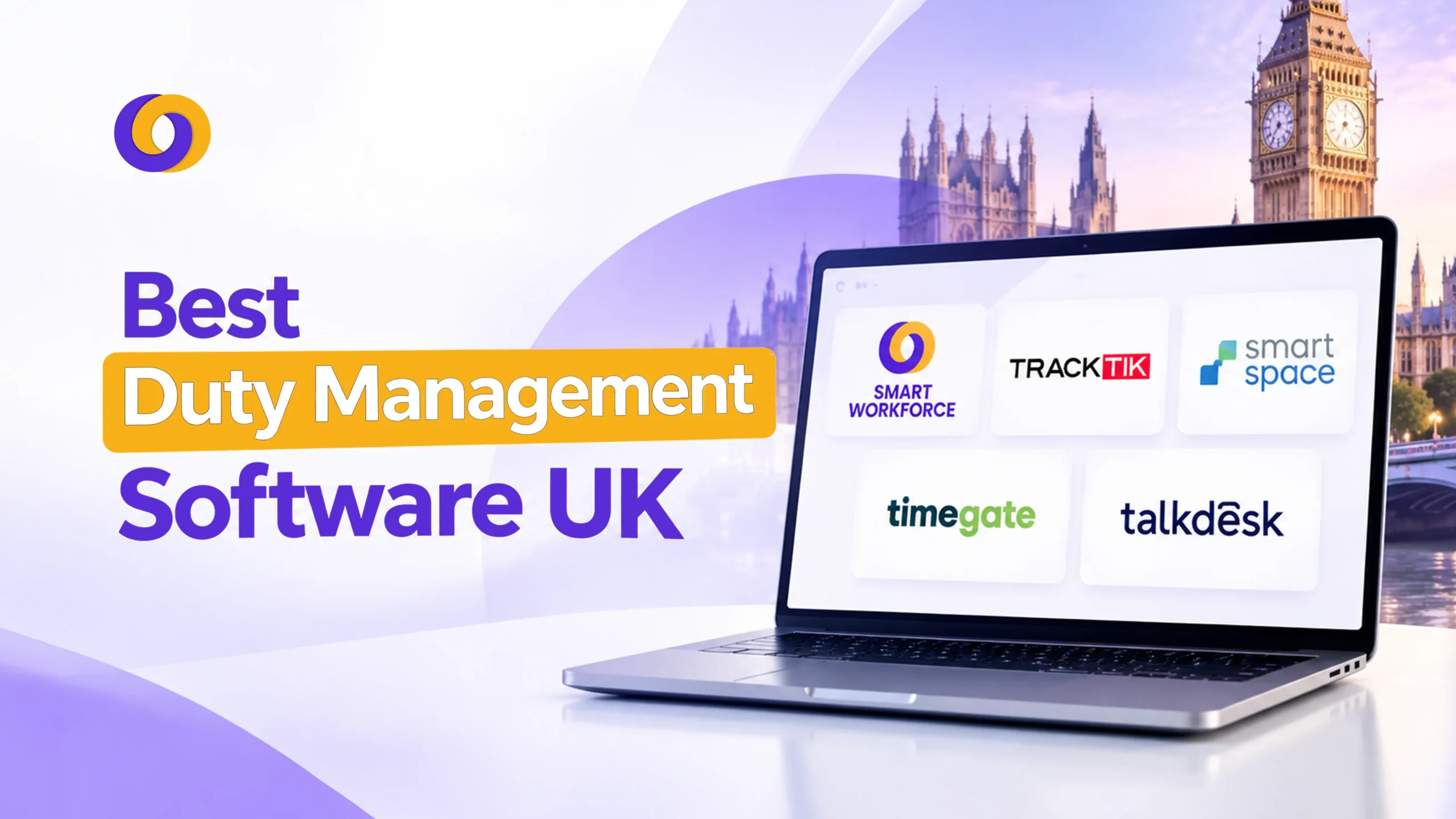
This guide ranks ten platforms. It covers who each one suits, what it does well, and where it falls short. Smart Workforce sits at the top, built specifically for UK security and field operations.
What Is Duty Management Software?
Duty management software is a digital tool for planning, assigning, and tracking who is on duty, where, and when. It replaces paper rotas and group chats. It centralises scheduling, attendance, and reporting in one place.
Most teams reach for it after outgrowing spreadsheets. The tipping point usually arrives somewhere between ten and twenty staff, once shift swaps, holiday requests, and last minute cover start eating hours each week.
A dedicated platform automates that admin and gives managers a single view of who is working, where, and whether coverage gaps exist before they become a problem.
The 10 Best Duty Management Software Platforms in the UK
Each entry below was assessed against five criteria: UK-specific compliance support, ease of setup, mobile functionality, pricing transparency, and suitability for security or field-based teams. Data reflects publicly available pricing and feature information current as of 2026.
1. Smart Workforce
Smart Workforce leads this list. It is a UK built workforce management suite designed specifically for security companies, guarding contractors, and field service teams.
It combines rostering, GPS verified time and attendance, facial recognition clock in, incident management, and BS7858 staff vetting in one app. Guards scan checkpoints to prove site visits. Supervisors get automated reports as evidence for clients. Lone worker features include panic buttons and automated check ins.
Pricing starts free for up to 10 staff on the Starter plan. Premium runs 5 pounds per user, per month, covering time and attendance, incident management, and leave tracking for up to 50 staff. Enterprise pricing is custom, with a dedicated account manager.
What separates Smart Workforce from generic scheduling tools is depth. It was not adapted from a general HR platform. Every module, from vetting through to patrol reporting, was built around how UK guarding contractors actually operate. That matters when a client audit lands, or when the SIA reviews Approved Contractor Scheme evidence, and a general rota tool simply has no equivalent data to show.
Best for: UK security companies needing scheduling, attendance, patrol tracking, and vetting in a single system, without stitching together separate tools.
2. TrackTik
TrackTik is a globally established enterprise platform, strong in guard tracking, smart scheduling, and incident reporting. It suits large contractors managing 100 or more guards across multiple sites.
Real time performance analytics and dispatch tools give supervisors visibility across a wide operation. The trade off is complexity. Smaller operators often find the setup heavier than they need, and the price point reflects the enterprise scale it is built for rather than a small guarding firm budget.
Best for: Enterprise security contractors running large, multi site guarding operations.
3. SmartTask
SmartTask is a credible UK platform with genuine security industry roots. It handles rostering, GPS tracked scheduling, patrol management, alarm response, and keyholding.
It is particularly favoured for control room operations and workforce compliance, built specifically around how UK security contractors actually work day to day. Our guide to control room management covers what good control room operations look like in more detail.
Best for: UK firms built around control room, mobile patrol, and keyholding work.
4. Timegate (TEAM Software, part of WorkWave)
Timegate is a long standing name across UK and EMEA security, cleaning, and facilities management. It handles intricate pay rules and large scale operational complexity well.
Pricing is quote based and modular, with add on packs for engagement, finance, recruitment, and reporting. It is enterprise grade through and through, which means heavier implementation and a price tag to match.
Best for: Large guarding and facilities contractors with complex payroll requirements.
5. TacDesk
TacDesk positions itself as a straightforward, transparently priced alternative to the bigger enterprise names. It covers scheduling, compliance tracking, and reporting built for UK guarding, mobile patrol, and door teams.
It targets operators who want to go live quickly rather than spend a quarter on implementation, an approach that appeals particularly to growing firms between 30 and 500 guards. Reviews highlight its focus on genuine UK readiness over feature bloat, a deliberate contrast to the enterprise platforms it competes against.
Best for: Mid sized UK security firms wanting fast setup without enterprise complexity.
6. Deputy
Deputy is one of the most widely used shift scheduling and time tracking platforms globally, trusted by hundreds of thousands of workplaces across hospitality, retail, and care.
AI powered auto scheduling and demand forecasting set it apart from most rivals on this list. UK pricing starts from 3.25 pounds per user, per month. Support has drawn some criticism from high turnover teams needing frequent onboarding help.
Best for: Multi location businesses wanting predictive, AI assisted scheduling.
7. RotaCloud
RotaCloud is a UK built platform focused on rota planning, shift swapping, and leave workflows. It starts at 10 pounds per month for up to five employees, scaling by headcount band rather than strict per user pricing.
Time and attendance is a 4.50 pounds flat add on. It integrates with UK care sector platforms, including Person Centred Software and StoriiCare, making it a strong niche fit for care providers.
Best for: UK small businesses and care sector teams wanting simple, UK native rota planning.
8. Planday
Planday combines scheduling, time tracking, and team communication in one interface, with a strong following in hospitality and multi site retail. Shift changes and availability requests flow through the app rather than a group chat.
Pricing starts from around 1.99 to 2.99 pounds per user, per month on the Starter tier, with a five user minimum.
Best for: Shift based hospitality and retail teams needing scheduling and communication together.
9. GuardsPro
GuardsPro focuses specifically on guard operations. It offers shift creation, day off request handling, and a GPS enabled time clock that logs location based hours, breaks, and overtime.
A live GPS tracker sets it apart, letting dispatchers monitor guard positions in real time using geofencing. A built in messenger keeps site based communication organised by post or individual.
Best for: Security firms prioritising live location tracking and guard specific communication.
10. RollKall
RollKall specialises in a narrower niche: managing off duty security and law enforcement details, including scheduling, billing, and payment coordination. It suits organisations coordinating secondary or off duty security assignments rather than standard guarding rosters.
Best for: Organisations managing off duty police or security detail scheduling and billing.
Comparison Table: 10 Best Duty Management Software UK
| # | Provider | Best For | Starting Price |
|---|---|---|---|
| 1 | Smart Workforce | All in one UK security scheduling, attendance, vetting | Free (up to 10 staff); 5 pounds per user per month Premium |
| 2 | TrackTik | Enterprise, multi site guarding | Quote based |
| 3 | SmartTask | Control room, keyholding, patrol | Quote based |
| 4 | Timegate | Large contractors, complex payroll | Quote based, enterprise |
| 5 | TacDesk | Mid sized security firms, fast setup | Quote based |
| 6 | Deputy | AI assisted multi location scheduling | From 3.25 pounds per user per month |
| 7 | RotaCloud | UK small business and care sector rotas | From 10 pounds per month (up to 5 staff) |
| 8 | Planday | Hospitality and retail scheduling | From 1.99 pounds per user per month |
| 9 | GuardsPro | Live GPS guard tracking | Quote based |
| 10 | RollKall | Off duty security detail scheduling | Quote based |
Key Features to Look for in a Duty Scheduling Solution
Not every platform on this list solves the same problem. Before choosing, weigh these core capabilities.
| Feature | Why It Matters |
|---|---|
| Mobile shift creation and swapping | Reduces admin time and unfilled shifts |
| GPS or geofenced clock in | Confirms staff are on site, prevents time fraud |
| Real time incident reporting | Speeds up response and gives clients evidence |
| Payroll integration | Cuts manual data entry and calculation errors |
| Compliance tracking (BS7858, SIA, WTR) | Reduces audit risk, particularly in security |
| Offline functionality | Keeps data syncing when signal drops on remote sites |
Beyond the table, consider how each platform handles growth. A tool that works well at fifteen staff can start to creak at a hundred, particularly around reporting depth and multi site visibility.
Ask any shortlisted provider how their pricing and feature set change as headcount scales, not just what the entry tier includes. If vetting is part of your evaluation, our comparison of the best BS7858 vetting software is worth reading alongside this list.
Duty Scheduling vs Duty Roster
Duty scheduling software and duty roster software for UK teams are often the same category of tool marketed under two names. Scheduling tends to emphasise building and adjusting shifts dynamically, while a roster focuses on the published, fixed plan staff refer to.
Most platforms on this list do both, blending flexible shift creation with a clear, shareable published rota. Our piece on rota versus roster unpacks this distinction in more depth.
Security Duty Management Software UK
Security duty management software that UK firms need looks different from generic staff scheduling. Guarding work involves lone workers, remote sites, and client evidence requirements that hospitality or retail scheduling rarely faces.
A guard duty management system typically adds checkpoint verification, panic buttons, live location tracking, and client facing reporting, features a generic rota app usually will not include. This is why several entries above, including the top pick, are purpose built for security rather than adapted from broader workforce tools. See our wider guide to security guard scheduling in the UK for more on what this involves.
Shift and Staff Scheduling Beyond Security
Not every reader runs a guarding operation. If your team is retail, hospitality, or care rather than security, a general shift management software or staff scheduling software platform, such as Deputy, RotaCloud, or Planday, will usually serve you better than a security specific system, since you will not pay for patrol or lone worker features you will never use.
Cost of Duty Roster Software
Pricing splits broadly into two models. Per user subscriptions, typically 2 to 10 pounds per person, per month, suit growing teams where cost should scale with headcount.
Quote based enterprise pricing, common among the larger security platforms, suits organisations wanting bundled modules, dedicated support, and custom configuration. Free or low cost entry tiers, like the Smart Workforce Starter plan, are worth testing before committing budget to a paid tier.
Watch for hidden add ons before signing anything. Several platforms on this list price time and attendance, SMS notifications, or reporting separately from the core scheduling fee.
A quote that looks cheap on the headline number can end up costing considerably more once every module a security or field team actually needs is added back in. Ask for a full, itemised quote covering every feature you expect to use before comparing two providers on price alone.
Choosing the Right Platform for Your Team
Match the decision to your operation type rather than the longest feature list.
- A single site retail business with a stable weekly pattern rarely needs GPS patrol tracking or lone worker alarms.
- A guarding contractor covering ten client sites overnight cannot safely operate without them.
Start by listing the three or four features your team cannot do without, then filter the ten platforms above against that shortlist rather than comparing every feature across every provider.
Final Thoughts
The right platform depends on what you actually run. Security operators need lone worker safety, checkpoint verification, and client facing evidence, which is exactly why Smart Workforce tops this list.
Hospitality and retail teams are usually better served by lighter, general purpose tools like Deputy or RotaCloud. Match the system to the operation, not the other way round.
Frequently Asked Questions
What is duty management software?
It is a digital tool for planning, assigning, and tracking staff shifts and attendance. It replaces manual rotas and spreadsheets, centralising scheduling, time tracking, and reporting for security or general workforce teams.
What features should duty management software have?
Look for mobile scheduling, GPS or geofenced clock-in, real-time incident reporting, payroll integration, and compliance tracking. Security teams should also check for lone worker safety features and checkpoint verification.
Can duty management software manage staff shifts?
Yes. Shift creation, swapping, and coverage management are core functions across every platform in this guide, from general scheduling tools to security-specific systems with added patrol and attendance features.
What is the difference between duty management and workforce management?
Duty management usually focuses narrowly on shift assignment and coverage. Workforce management is broader, often including payroll, HR, vetting, and performance data alongside scheduling within one integrated platform.
How much does duty management software cost in the UK?
Pricing ranges from free entry tiers to around £2 to £10 per user, per month for standard platforms. Enterprise security systems are typically quote-based, reflecting custom modules and dedicated support.
Can duty management software manage employee rotas?
Yes. Rota building, publishing, and adjustment are standard features. Most platforms let staff view rotas on mobile, request swaps, and receive automatic updates when shifts change.
Is duty management software suitable for security companies?
Yes, particularly platforms built for the sector, like Smart Workforce, TrackTik, and SmartTask, which add GPS tracking, checkpoint scanning, incident reporting, and vetting features that generic scheduling tools typically lack.
Can duty management software integrate with payroll?
Most established platforms integrate with payroll systems or export timesheet data directly. This reduces manual entry and calculation errors, syncing verified hours straight from attendance records into pay runs.
How can duty management software reduce scheduling errors?
Automated conflict detection flags double-bookings and coverage gaps before they happen. Real-time updates ensure everyone sees the current rota, removing the version confusion common with spreadsheets or messaging groups.

0 Comments
Trackbacks/Pingbacks