
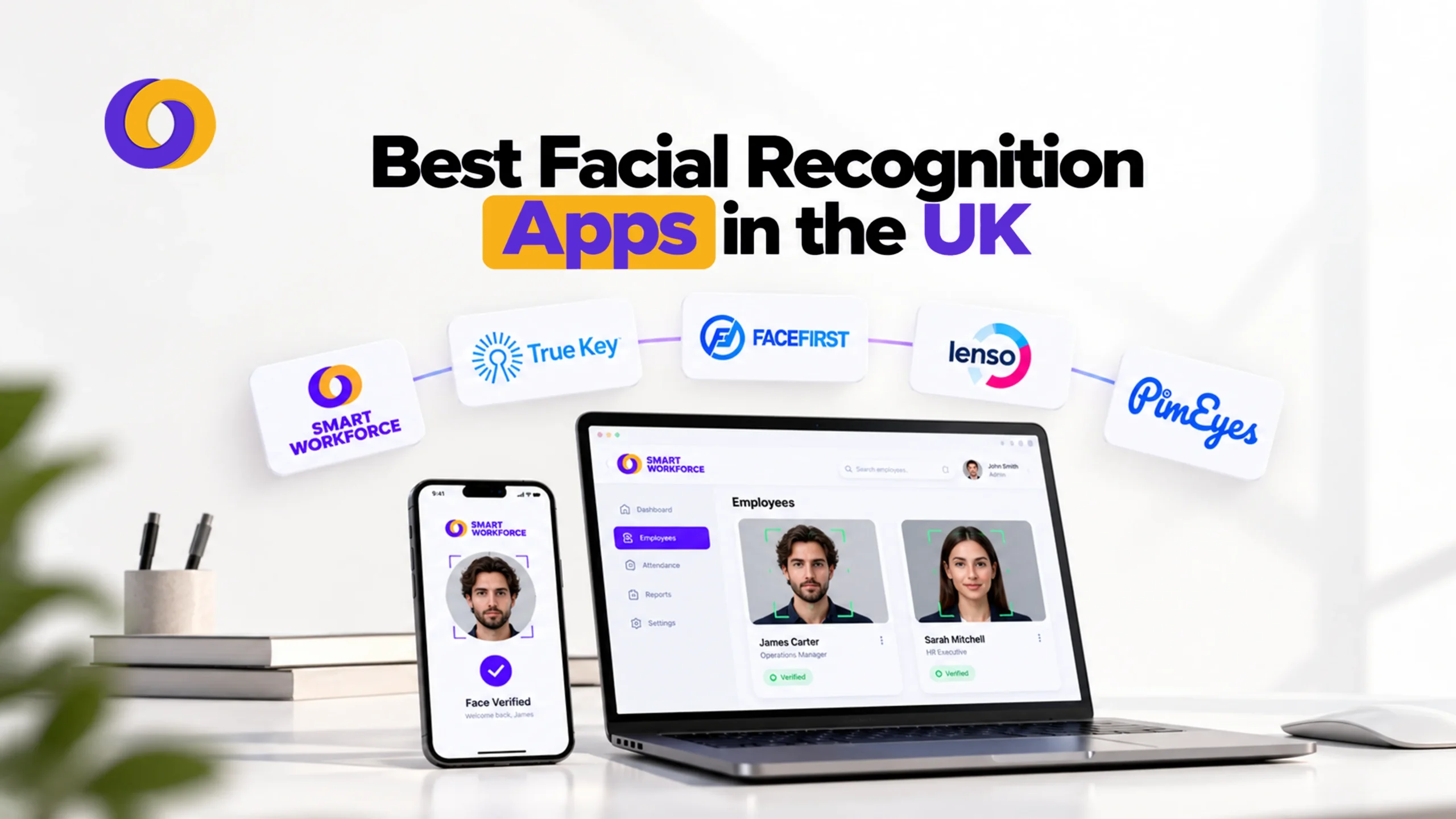
Key Takeaways
- Facial recognition apps serve very different purposes. Attendance, retail security, web search, and developer APIs are distinct categories. Choose based on your actual problem, not the label.
- UK GDPR regulates, not bans, facial recognition. Facial templates are special category biometric data. You need a lawful basis, an Article 9 condition, and a DPIA before processing.
- The ICO has already taken enforcement action. In 2024, the ICO ordered Serco Leisure to stop using facial recognition and fingerprint scanning for staff attendance. Necessity and proportionality matter more than the tool itself.
- Consent is hard to rely on in employment. Employees rarely feel free to refuse. The ICO expects a genuine non-biometric alternative, such as a card or PIN.
- Smart Workforce leads for UK attendance. Free for up to 10 staff, 5 pounds per user per month premium. Includes liveness detection, GPS clock-in, and syncs with scheduling, leave, and payroll.
- Match the tool to the job. Smart Workforce for attendance, Facewatch for retail theft, Amazon Rekognition or Luxand for custom builds, PimEyes for personal image checks.
- Free tiers are for testing, not full rollout. A free tool still handles biometric data. Check storage limits, support, and DPIA requirements before scaling.
- Always offer a non-biometric alternative. The ICO expects employees to have a genuine choice. Disadvantaging those who opt out undermines your legal position.
Not every facial recognition app does the same job. Some clock staff in. Some watch shop doorways. Some search the open web for your face. Pick the wrong one, and you waste money, or worse, break the law.
This guide compares nine tools alongside Smart Workforce, and pairs well with our roundup of the best face recognition time attendance systems. It explains what each one does, what it costs, and who it suits.
It also covers the rules every facial recognition app UK buyer must follow. Pricing reflects public data as of October 2026. Always confirm current rates with each vendor.
What Is a Facial Recognition App?
A facial recognition app maps the features of a face. It turns them into a mathematical template. It then compares that template to others. This is AI facial recognition at work. Machine learning does the matching, often in under a second. Our guide on what a facial recognition system is breaks the technology down in more depth.
The technology facial recognition vendors sell falls into three groups: ready-made apps, security services, and developer kits. Three terms also get mixed up. Face detection only finds a face in an image. A face detection app might blur backgrounds or count people. Face verification checks one face against one stored record, such as an employee clocking in. Face identification searches a whole database to find who someone is.
Each step carries more privacy risk. Verification is the lightest. Identification is the heaviest. That matters for UK law, which we cover below.
Facial Recognition Technology UK: The Rules You Must Know
Facial recognition technology UK organisations use is not banned. It is regulated. There is no single facial recognition statute for private firms. The UK GDPR and the Data Protection Act 2018 do the heavy lifting.
Facial templates count as special category biometric data when used to identify someone. That means you need two things before you start:
- A lawful basis under Article 6 of UK GDPR.
- A special category condition under Article 9.
You also need a data protection impact assessment, or DPIA. For workplace use, consent is hard to rely on. Employees rarely feel free to say no. The Information Commissioner Office, the ICO, expects a genuine alternative, such as a card or PIN.
The ICO has acted on this. In 2024 it ordered Serco Leisure and linked trusts to stop using facial recognition and fingerprint scanning to track staff attendance. Less intrusive options were available. The lesson is simple. Necessity and proportionality matter more than the brand of tool.
For a deeper look at costs and compliance for attendance, read our guide to the facial recognition attendance system cost in the UK.
Quick Comparison: Facial Recognition Apps at a Glance
| Tool | Main Use | Best For | Pricing (Public Data) |
|---|---|---|---|
| Smart Workforce | Staff attendance and workforce management | UK SMEs and security firms | Free up to 10 staff; 5 pounds per user per month Premium |
| Facewatch | Retail crime prevention | UK shops and petrol forecourts | Quote-based |
| PimEyes | Reverse face search of the web | Individuals checking their own image | From about 29.99 dollars per month |
| Amazon Rekognition | Developer face analysis API | Teams building custom apps on AWS | About 0.001 dollars per image (first 1M) |
| Microsoft Azure Face API | Developer face detection and verification | Teams on Azure | Usage-based; free tier for low volume |
| FaceFirst | Enterprise retail and transport security | Large organisations | Quote-based |
| Face2Gene | Clinical genetics support | Healthcare professionals | Restricted access |
| True Key | Password manager with face login | Personal use | Free (15 logins); paid tier |
| BioID | Face verification and liveness | Identity checks and logins | Custom; free app available |
| Luxand FaceSDK | Developer SDK and cloud API | App developers | Cloud API from 9 dollars per month |
How We Compared These Tools
We used five tests:
- UK fit. Does it suit UK businesses and UK GDPR duties?
- Use case clarity. Does it solve a defined problem?
- Pricing transparency. Is the cost public?
- Safeguards. Does it offer liveness checks, encryption, or consent tools?
- Ease of adoption. Can a non-technical team use it?
Among the biometric recognition apps UK buyers will meet, several are not general apps. They are developer kits or niche products. We say so plainly.
1. Smart Workforce
Smart Workforce is a UK-built workforce management platform. Its facial recognition feature is built for attendance. It is the most practical option here for most UK employers.
Employees scan their face on a phone or kiosk. The system runs a liveness check. This confirms a real person is present, not a photo or video. GPS location verification then confirms they are at an approved site. The whole step takes seconds.
Clock-in data syncs to timesheets and payroll in real time. That removes manual entry. It also helps stop buddy punching, where one worker clocks in for another.
Key features:
- Liveness detection against photo and video spoofing
- GPS and geofenced clock-in
- Facial templates stored using one-way encryption
- Consent management tools for UK GDPR
- Time and attendance, leave management, incident management, and BS7858 vetting in the same platform
Pricing. The Starter plan is free for up to 10 staff. Premium costs 5 pounds per user, per month for up to 50 staff. Enterprise pricing is custom. Some add-ons, such as vetting checks, are billed separately.
Best for: UK small and mid-sized businesses wanting a face recognition attendance app with scheduling and compliance in one place.
Watch out for: It is an attendance tool. It does not watch public spaces or search the web.
2. Facewatch
Facewatch is a UK retail security service. Cameras scan faces at store entrances. The system compares them with a watchlist of known offenders. Staff get an alert if there is a match.
The company says more than 125 retailers use it across thousands of UK stores. Sainsbury expanded its deployment in 2026. Facewatch also gained ISO/IEC 42001 certification for AI management in June 2026. It has announced a police alert feature for serious repeat offenders.
On compliance, the ICO closed a formal inspection in 2023 with no regulatory action. Facewatch acts as data controller for its network. That shifts some legal duty away from each shop.
It remains contentious. Campaign groups such as Big Brother Watch argue it risks wrongful accusations and harms privacy. A 2025 misidentification report also drew scrutiny. Shops must still complete their own risk assessment.
Pricing. Not published. Request a quote.
Best for: Retailers facing repeat theft. It is a facial recognition security system, not an attendance tool.
3. PimEyes
PimEyes is a face search engine. You upload a photo. It looks for matching faces on public websites. It excludes most social media. One review puts its index near 3.5 billion images.
Individuals use it to find where their own image appears online. Some use it to spot impersonation or image misuse. Paid plans add alerts and takedown help.
The privacy debate is sharp. People in the index never agreed to be there. Opt-out options exist, but terms differ by plan, so check the current policy. UK businesses should not use it to identify or screen staff or customers. That would raise serious UK GDPR problems.
Pricing. Entry plans start at about 29.99 dollars per month. Higher tiers run to roughly 90 and 300 dollars per month, based on third-party reports. The free search shows blurred previews only.
Best for: Individuals checking their own online presence.
4. Amazon Rekognition
Amazon Rekognition is a cloud API from AWS. Developers call it to detect, compare, and search faces. It also offers face liveness checks and image labelling.
It is not an app you download. You build your own product on top of it. That suits teams with engineers already on AWS.
Pricing. Image analysis costs about 0.001 dollars per image for the first million each month. Rates fall at higher volume. Storing face data costs 0.01 dollars per 1,000 face vectors per month. Face Liveness is around 0.015 dollars per check. A 12-month free tier covers 5,000 images a month. Prices are in US dollars.
Best for: Developers building custom facial recognition software app features at scale.
Watch out for: You carry the UK GDPR duties. Check data location, retention, and your DPIA.
5. Microsoft Azure Face API
Azure Face API offers face detection, verification, and liveness through Microsoft cloud. It integrates well with other Azure services.
Microsoft limits some functions. Face identification and verification need a Limited Access application and review. Microsoft has also retired features that infer traits such as emotion. This reflects a cautious stance on risky uses.
Pricing. Usage-based, with a free allowance for low volume. Check the Azure pricing page for current UK rates.
Best for: Organisations already on Azure with a clear, reviewed use case.
6. FaceFirst
FaceFirst sells facial recognition for enterprise settings, including retail and transport. A user submits an image. The software scans it against a database of known faces.
It is a US vendor. UK buyers should ask about data hosting, retention, and how the tool supports a UK GDPR DPIA. We found no public UK pricing. Treat it as a quote-based enterprise product.
Best for: Large organisations needing watchlist matching, with legal support in place.
7. Face2Gene
Face2Gene is a clinical tool. Doctors and geneticists use it to analyse facial features. It supports the assessment of possible genetic syndromes.
It is not a general face recognition app. It is restricted to healthcare professionals. It has no role in attendance, security, or retail.
Best for: Clinicians in genetics. Everyone else should skip it.
8. True Key
True Key by McAfee is a password manager. It lets users unlock logins with face or fingerprint. It is the only consumer-style app on this list.
The free plan stores just 15 logins. Paid tiers lift that limit, and it also comes bundled with some McAfee packages. Reviewers note that development looks stalled. Desktop apps appear to have been discontinued, and the iOS app has seen few updates since 2024. Other password managers now offer more.
It is not a business tool. It does nothing for attendance or access control.
Best for: Personal use, mainly existing McAfee customers.
9. BioID
BioID is a European biometric vendor. Its focus is face verification with strong liveness detection. It also targets deepfake and presentation attacks.
Typical uses include identity checks, e-signing, and multi-factor login. A free app is available. Developers can add it through an API. Being EU-based may help with data protection conversations, though you still need your own UK GDPR checks.
Pricing. Custom for business use.
Best for: Organisations needing remote identity verification with anti-spoofing.
10. Luxand FaceSDK
Luxand offers a developer toolkit. FaceSDK runs on Android, iOS, Mac, and Windows. Luxand also sells a cloud API at luxand.cloud. It added an iBeta-certified liveness add-on in a recent release.
Cloud plans range from about 9 dollars per month for 1,500 requests to 1,949 dollars per month for enterprise volume. A 14-day trial is available. Luxand has published high accuracy claims. Treat any vendor figure with care and test on your own users.
Best for: Developers wanting a ready SDK rather than a cloud-only service.
Which Tool Fits Which Job?
| If You Need To… | Best Option |
|---|---|
| Clock staff in and stop buddy punching | Smart Workforce |
| Reduce repeat shoplifting | Facewatch |
| Check where your own photo appears online | PimEyes |
| Build a custom feature on AWS | Amazon Rekognition |
| Build on Azure with strict review | Microsoft Azure Face API |
| Run enterprise watchlist matching | FaceFirst |
| Support clinical genetics | Face2Gene |
| Log in to passwords with your face | True Key |
| Verify remote identities with liveness | BioID |
| Embed face recognition in your own app | Luxand FaceSDK |
Free Facial Recognition App Options: What Do You Really Get?
A free facial recognition app can be useful. It rarely runs a whole business. Here is what free means in practice:
- Smart Workforce Starter: free for up to 10 staff, with core scheduling and mobile tools.
- Amazon Rekognition: a 12-month free tier with 5,000 images a month.
- BioID: a free app for individuals.
- True Key: free, but capped at 15 logins.
- PimEyes: free search with blurred results only.
Free tiers are good for testing. Before rollout, check storage limits, support, and the DPIA. A free tool still handles biometric data.
Best Facial Recognition App for Small Businesses
A facial recognition app for small businesses should be simple. It should not need developers. It should handle consent and give staff a non-biometric option.
For most small UK firms, attendance is the real need. That points to an attendance platform with built-in facial recognition and GPS, similar to a facial recognition clock-in system. Smart Workforce fits that brief, and its free tier lets you test with a small team first.
Developer APIs such as Rekognition or Luxand suit firms with in-house engineers. For shops with theft problems, Facewatch is the specialist route, but it needs careful legal review.
Face Recognition Attendance Apps: Why They Work
Attendance is where facial recognition earns its keep. Cards can be lent. PINs can be shared. A face is much harder to lend.
Good face recognition attendance apps combine three controls:
- Liveness detection to block photos and videos.
- Location checks so staff clock in only at approved sites.
- Payroll sync to remove manual timesheets.
Together these cut time theft and admin. They also create a clean audit trail for pay disputes. Still, always offer an alternative for staff who object, as the ICO expects. If facial recognition does not suit every site, compare the other types of clocking in systems in the UK.
Facial Recognition Security System vs Attendance App
People often search for a facial recognition security system when they want attendance. The two differ.
| Factor | Security System | Attendance App |
|---|---|---|
| Goal | Identify people entering a space | Confirm who is working |
| Data subjects | Staff, customers, and the public | Employees only |
| Risk level | High, often live identification | Lower, usually one-to-one checks |
| Typical cost | Quote-based, hardware heavy | Per-user subscription |
| UK GDPR burden | Heavy, DPIA essential | Moderate, DPIA still needed |
If your goal is time and attendance, a security-grade system is overkill. It also adds legal risk you do not need.
Accuracy, Bias, and Other Disadvantages
No system is perfect. Accuracy depends on lighting, camera quality, angle, and the algorithm. Independent testing, such as the US NIST evaluations, shows leading algorithms perform very well in good conditions. Results vary across vendors. Error rates can also differ across demographic groups.
Other disadvantages are practical:
- Biometric data cannot be changed if it leaks.
- Staff may feel watched.
- Poor lighting can cause false rejections.
- Compliance work adds time and cost.
Reduce these risks. Choose vendors that publish test results. Pilot with real staff. Keep a fallback method. Store templates securely, and delete them when someone leaves.
Buying Checklist for UK Businesses
Before you sign, work through this list:
- Define the exact problem. Attendance, security, or identity verification?
- Confirm necessity. Could a simpler method do the job?
- Complete a DPIA before launch.
- Ask where data is stored and for how long.
- Check for liveness detection and encryption.
- Offer a non-biometric alternative.
- Request a full itemised quote, including add-ons.
- Run a pilot with a small team.
- Document your lawful basis and consent process.
- Review accuracy results across different users.
Final Thoughts
The best facial recognition app is the one that fits your job and your legal duties. For attendance, choose a purpose-built platform. For retail crime, weigh Facewatch with legal advice. For custom projects, use a developer API. Skip tools that do not match your needs.
Start small. Run a DPIA. Test with a pilot team. Smart Workforce Starter plan is an easy place to begin. Then scale once you are confident it works for your people. For a wider view beyond facial recognition.
Book a demo to see how Smart Workforce handles facial recognition attendance alongside scheduling and compliance.
Frequently Asked Questions
What is the best facial recognition app in the UK?
It depends on the job. For staff attendance, Smart Workforce is a strong UK choice. For retail theft, Facewatch is the specialist. Developers often pick Amazon Rekognition or Luxand for custom builds.
How does facial recognition software work?
It detects a face, maps key features, and converts them into a numerical template. It then compares that template with stored ones. A match score above a set threshold confirms or suggests an identity.
What is the difference between facial recognition and face verification?
Face verification checks one face against one stored record, like clocking in. Facial recognition, or identification, searches a database to find who someone is. Identification carries higher privacy risk and legal scrutiny.
Can facial recognition apps be used for employee attendance in the UK?
Yes, if you meet UK GDPR rules. You need a lawful basis, a special category condition, a DPIA, and a non-biometric alternative. The ICO has penalised employers who used it without justification.
How much does facial recognition software cost in the UK?
Attendance platforms often run from free to about 5 pounds per user per month. Developer APIs charge per image or request. Enterprise security systems are quote-based. Always request an itemised quote.
Are facial recognition apps legal in the UK?
Yes, but regulated. No single law bans them. Private use falls under UK GDPR and the Data Protection Act 2018. You must show necessity, proportionality, and proper safeguards.
Does facial recognition comply with UK GDPR?
It can, but not automatically. Compliance depends on how you use it. You need a lawful basis, a DPIA, transparency, secure storage, limited retention, and a genuine alternative for employees.
Is facial recognition safe for employees and customers?
It can be safe when well governed. Look for encryption, liveness checks, limited retention, and clear notices. Poorly managed systems risk data leaks, misidentification, and loss of trust.
Can facial recognition software prevent buddy punching?
Yes. A face is much harder to share than a card or PIN. Liveness detection blocks photos and videos, and GPS checks confirm location. Together they greatly reduce proxy clock-ins.
What are the advantages of facial recognition for employee attendance?
It removes manual timesheets, reduces time theft, speeds up clock-in, and syncs with payroll. It also creates reliable records, which helps resolve pay disputes and supports audits.
What are the disadvantages of facial recognition technology?
Biometric data is sensitive and cannot be reset. Accuracy can vary with lighting and demographics. There are privacy concerns, compliance costs, and the risk of staff mistrust if rollout is poor.
How accurate are facial recognition systems?
Leading algorithms perform very well in controlled conditions, per independent NIST testing. Real-world accuracy varies with lighting, angles, and image quality. Always pilot a tool and request vendor test data.
What is the best facial recognition attendance system for UK businesses?
Smart Workforce suits most UK SMEs. It combines facial recognition, liveness, GPS, scheduling, and payroll sync, with a free tier for up to 10 staff and 5 pounds per user Premium pricing.

0 Comments