
Every week, across thousands of UK workplaces, the same scene plays out. An employee clocks in for an absent colleague. A manager approves a timesheet without verifying hours. Another hour of “time theft” goes unnoticed.
According to the Chartered Institute of Payroll Professionals (CIPP), buddy punching and time theft cost UK businesses an estimated 2-5% of gross payroll annually. For a company with a £1 million payroll, that’s £20,000-50,000 lost every year; not to salaries, not to operations, but to fraud and administrative gaps.
Fingerprint time attendance systems offer a solution. By tying clock-ins to a unique biological identifier, the employee’s fingerprint, these systems virtually eliminate buddy punching, reduce payroll errors, and provide real-time visibility into workforce attendance.
But are they legal in the UK? How do they compare to facial recognition? And what are the data protection implications?
This guide answers these questions and helps you decide whether a biometric time clock is right for your UK business in 2026.
What Is a Fingerprint Time Attendance System?
A fingerprint time attendance system is a biometric device or software that uses an employee’s unique fingerprint pattern to verify their identity when clocking in or out. Unlike swipe cards or PIN codes, which can be shared, lost, or stolen. A fingerprint is unique to the individual and cannot be easily replicated.
How Does Fingerprint Attendance Work?
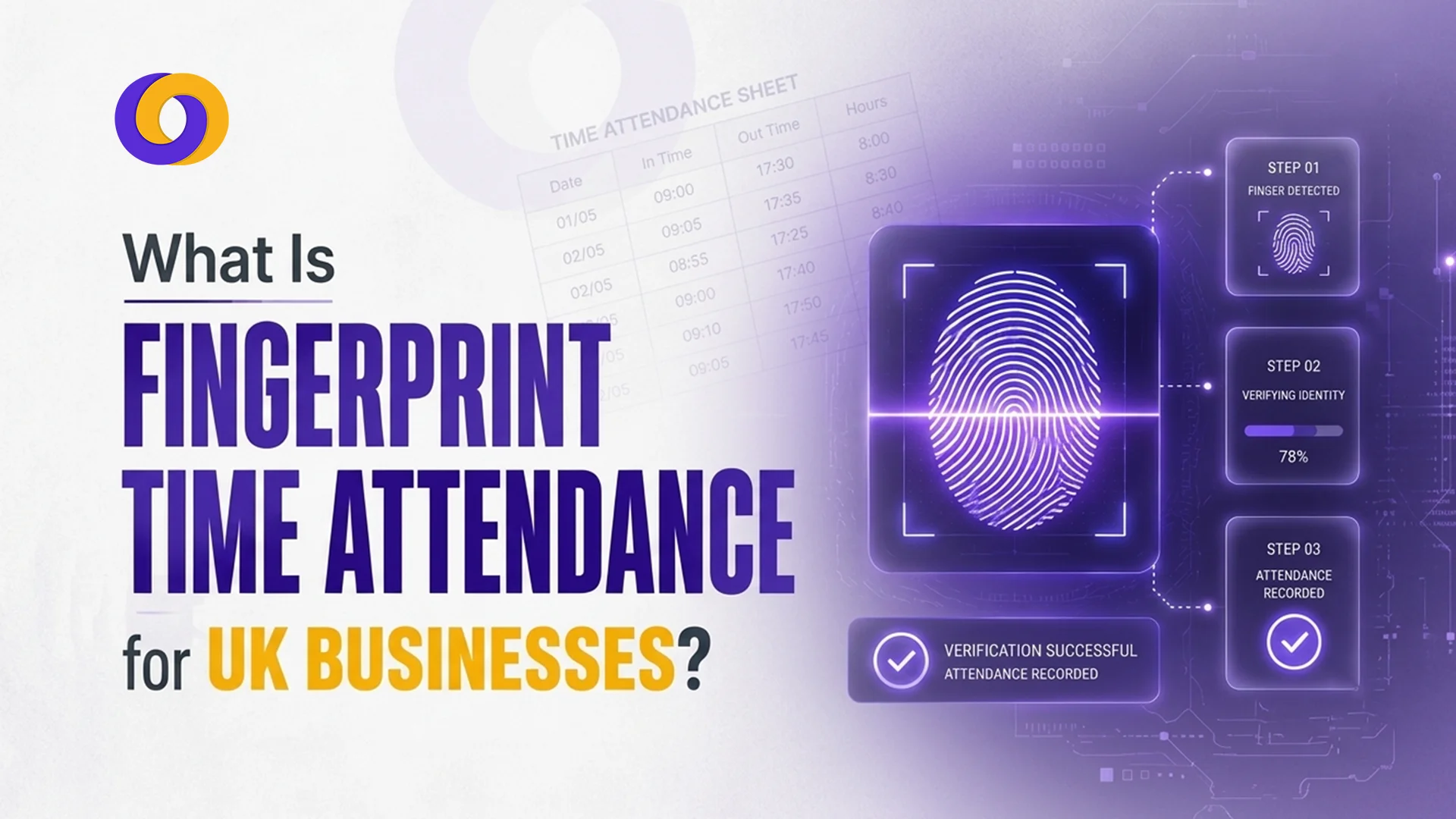
The process involves four simple steps:
1. Enrolment
The employee places their finger on a scanner. The system captures the unique pattern of ridges and valleys, converts it into an encrypted mathematical template (not an image of the fingerprint), and stores it securely.
2. Authentication
When the employee clocks in, they place their finger on the scanner again. The system captures a new template and compares it to the stored template.
3. Verification
If the templates match within an acceptable threshold, the system records the employee’s clock-in time. If not, access is denied.
4. Recording
The timestamp is logged in the system, often integrated with payroll and shift scheduling software.
The entire process takes less than a second, faster than typing a PIN or swiping a card.
How Fingerprint Time Attendance Benefits UK Businesses
Here are the advantages of fingerprint time attendance:
1. Eliminates Buddy Punching and Time Theft
Buddy punching occurs when one employee clocks in for another who is late or absent. With fingerprint verification, this becomes impossible. The person clocking in must be physically present, and their fingerprint must match the enrolled template. This alone can save UK businesses 2-5% of gross payroll annually.
2. Reduces Payroll Errors
Manual timesheets and even digital PIN codes are prone to human error, transposed numbers, forgotten clock-outs, illegible handwriting. Fingerprint systems automate time capture, eliminating manual data entry. Integration with payroll software ensures hours worked flow directly into payroll calculations, reducing errors by up to 90%.
3. Improves Shift Scheduling Accuracy
When attendance data is real-time and accurate, shift scheduling becomes proactive rather than reactive. Managers can see exactly who is on-site, who is late, and who is absent—in real time. This allows for immediate cover arrangements rather than discovering gaps at shift change.
4. Provides an Audit Trail for Compliance
For regulated industries (security, healthcare, logistics), accurate attendance records are essential for compliance. Fingerprint systems create an auditable trail of clock-in and clock-out times, which can be exported for HSE inspections, employment tribunal defence, or client audits.
5. Integrates with Workforce Management Platforms
Modern fingerprint access control & time attendance system integrates seamlessly with broader workforce management platforms like Smart Workforce. This means attendance data flows directly into scheduling, payroll, and compliance reporting, creating a single source of truth.
6. Fast and Convenient
Employees don’t need to remember a PIN, carry a card, or charge a device. Their fingerprint is always with them. A one-second scan is faster than any alternative, reducing queues at shift change.
Fingerprint vs Facial Recognition Attendance: Which Is Better?
Factor | Fingerprint Scanning | Facial Recognition |
Speed | 0.5-1 second | 1-2 seconds |
Contact required | Yes (physical touch) | No (contactless) |
Hygiene | Moderate (shared surface) | High (no touch) |
Accuracy | Very high (99%+) | High (98%+) |
Works in darkness | Yes | Requires infrared for darkness |
Works with masks/gloves | No (gloves block; masks irrelevant) | Masks reduce accuracy |
GDPR risk | High (special category data) | High (special category data) |
Cost | £50-200 per device | £100-300 per device |
Best for | Indoor, controlled environments | Contactless, post-pandemic settings |
Verdict: Both are effective at eliminating buddy punching. Fingerprint is faster and cheaper. Facial recognition is contactless and better for hygiene-sensitive environments. Your choice depends on your workplace context.
UK Legal Rules for Fingerprint Time Attendance
Is biometric attendance legal in the UK? Yes, but with strict conditions.
Under the UK GDPR, fingerprints are classified as “special category data” because they can uniquely identify an individual. This means they are subject to tighter regulations than ordinary personal data.
Legal requirements before implementing a fingerprint time attendance system:
Requirement | What It Means |
Lawful basis | You must have a valid reason under Article 6 of UK GDPR (e.g., legitimate interests, contract, legal obligation). |
Special category condition | You must meet an Article 9 condition (e.g., explicit consent or employment law obligation). |
Data Protection Impact Assessment (DPIA) | Required before processing biometric data. You must document risks and mitigation measures. |
Transparency | Employees must be informed what data is collected, why, how long it’s kept, and who has access. |
Alternative method | You must offer a non-biometric alternative (e.g., swipe card, PIN, mobile app) for employees who opt out. |
No detriment | Employees who choose the alternative must face no disadvantage (no reduced pay, different shifts, or negative performance reviews). |
Data minimisation | Store encrypted templates, not raw fingerprint images. Delete templates when no longer needed (e.g., after an employee leaves). |
Retention limits | Biometric data must not be kept longer than necessary. Set clear retention periods. |
Key takeaway: Fingerprint attendance is legal, but you cannot simply install a scanner and start using it. You must complete a DPIA, provide an alternative, and document your legal basis. The ICO has issued enforcement notices against employers who failed to comply (see the Serco case).
What Data Does a Fingerprint Scanner Store?
This is a common concern. Reputable systems do not store an image of your fingerprint.
Instead, they store an encrypted mathematical template, a string of numbers derived from key points in your fingerprint pattern (ridge endings, bifurcations, etc.). This template cannot be reverse-engineered to recreate your actual fingerprint.
Key security features of compliant systems:
- Templates are encrypted at rest and in transit
- No raw fingerprint images are stored
- Access to biometric data is restricted to authorised personnel
- Retention periods are enforced (templates deleted after employment ends)
Always verify your provider’s data handling practices before purchase.
Setting Up Fingerprint Clocking in Your Business
Step-by-step setup process
Step | Action |
1 | Conduct a DPIA – Document why fingerprint is necessary and how risks are mitigated |
2 | Choose a compliant provider – Ensure they offer encryption, template storage, and UK GDPR compliance |
3 | Create a policy – Inform employees about the system, data handling, and alternative options |
4 | Obtain consent or establish lawful basis – Document your Article 6 and Article 9 conditions |
5 | Offer an alternative – Provide swipe cards, PIN codes, or mobile app for employees who opt out |
6 | Install and enrol – Set up scanners, enrol employees who choose biometrics, train managers |
7 | Review annually – Update your DPIA and policy as needed |
Common Challenges and How to Overcome Them
Given here are some common challenges and the ways to overcome them:
Challenge 1: Employee resistance
Solution: Communicate transparently. Explain why the system is being introduced (e.g., to stop buddy punching, which costs everyone). Emphasise that biometric data is encrypted, not stored as images. Provide a genuine alternative with no detriment.
Challenge 2: Hygiene concerns (shared fingerprint scanner)
Solution: Use self-cleaning scanners, provide hand sanitiser, or consider facial recognition for contactless verification.
Challenge 3: Recognition issues (wet hands, dirty hands, gloves)
Solution: Ensure scanners are suitable for your environment. Some work with wet or dry fingers. For gloved workers, consider alternative methods for that shift.
Challenge 4: GDPR compliance complexity
Solution: Use a provider that offers GDPR-compliant systems with built-in DPIA templates and guidance. Smart Workforce provides compliant biometric and non-biometric options.
How Smart Workforce Helps You Implement Fingerprint Attendance
Smart Workforce offers a compliant, UK-focused employee clock-in solution with both biometric and non-biometric options.
- Fingerprint scanning – Fast, accurate, GDPR-compliant with template encryption
- Facial recognition – Contactless alternative for hygiene-sensitive environments
- Mobile app clock-in – Non-biometric alternative for employees who opt out
- QR code scanning – Low-cost, low-risk alternative
- Real-time attendance dashboards – Live visibility of who is clocked in
- Payroll integration – Automated timesheets, reduced errors
- BS7858 compliance – For security and service sector employers
Smart Workforce handles the compliance heavy lifting: DPIA templates, data protection impact assessments, and audit trails. So, you can focus on running your business.
Discover How Smart Workforce Can Transform Your Attendance Tracking – Book a Demo Today
Conclusion
A fingerprint time attendance system offers compelling benefits for UK businesses: elimination of buddy punching, reduced payroll errors, real-time visibility, and integration with workforce management platforms.
However, these benefits come with legal responsibilities. Under UK GDPR, fingerprints are special category data. You must complete a DPIA, provide a non-biometric alternative, and document your lawful basis.
For many businesses, the ROI justifies the compliance effort. For a 50-person company with a £1 million payroll, eliminating 2-5% time theft saves £20,000-50,000 annually—far exceeding the cost of the system and compliance work.
But fingerprint isn’t the only option. Facial recognition, mobile apps, and QR codes offer lower-risk alternatives. The right choice depends on your workplace, workforce, and risk tolerance.
Whichever you choose, accurate attendance tracking isn’t optional. It’s essential for payroll accuracy, legal compliance, and operational efficiency.
Frequently Asked Questions
How does fingerprint attendance work?
The system captures an employee’s fingerprint pattern, converts it into an encrypted mathematical template, and stores it securely. When clocking in, the employee places their finger on the scanner again. The system compares the new template to the stored template. If they match, the clock-in time is recorded.
Is biometric attendance legal in the UK?
Yes, but with strict conditions. Under UK GDPR, fingerprints are “special category data.” You must complete a Data Protection Impact Assessment (DPIA), provide a lawful basis and Article 9 condition, and offer a non-biometric alternative with no detriment to employees who opt out.
How to set up fingerprint clocking in my business?
Complete a DPIA, choose a compliant provider, create a policy, inform employees, offer a non-biometric alternative, install scanners, enrol employees, and review annually. Never force employees to use biometrics, always provide an alternative like swipe cards or a mobile app.
What data does a fingerprint scanner store?
Compliant systems store an encrypted mathematical template derived from fingerprint patterns, not an image of the fingerprint. This template cannot be reverse engineered to recreate the actual fingerprint. Raw fingerprint images are not stored.
Do employees have to use fingerprint scanners?
No. You cannot force employees to use biometric systems. You must offer a genuine non-biometric alternative (swipe card, PIN code, mobile app) with no detriment—no reduced pay, different shifts, or negative performance reviews for those who opt out.
Can fingerprint scanners work with wet or dirty hands?
Most modern scanners work with dry fingers, but wet or dirty hands can cause recognition failures. For industrial environments (construction, manufacturing, kitchens), consider facial recognition or other contactless alternatives, or provide cleaning stations.
What’s the difference between fingerprint and facial recognition attendance?
Fingerprint requires physical touch (0.5-1 second), is cheaper (£50-200), and has higher accuracy. Facial recognition is contactless (1-2 seconds), more expensive (£100-300), and better for hygiene-sensitive environments. Both carry similar GDPR compliance requirements.

0 Comments