
If you manage shift workers in the UK, you have almost certainly used the words rota and roster as if they mean the same thing. Most of the time nobody notices. The confusion only shows up when you are buying scheduling software or writing a staffing policy, and suddenly the difference between a rota and a roster actually matters.
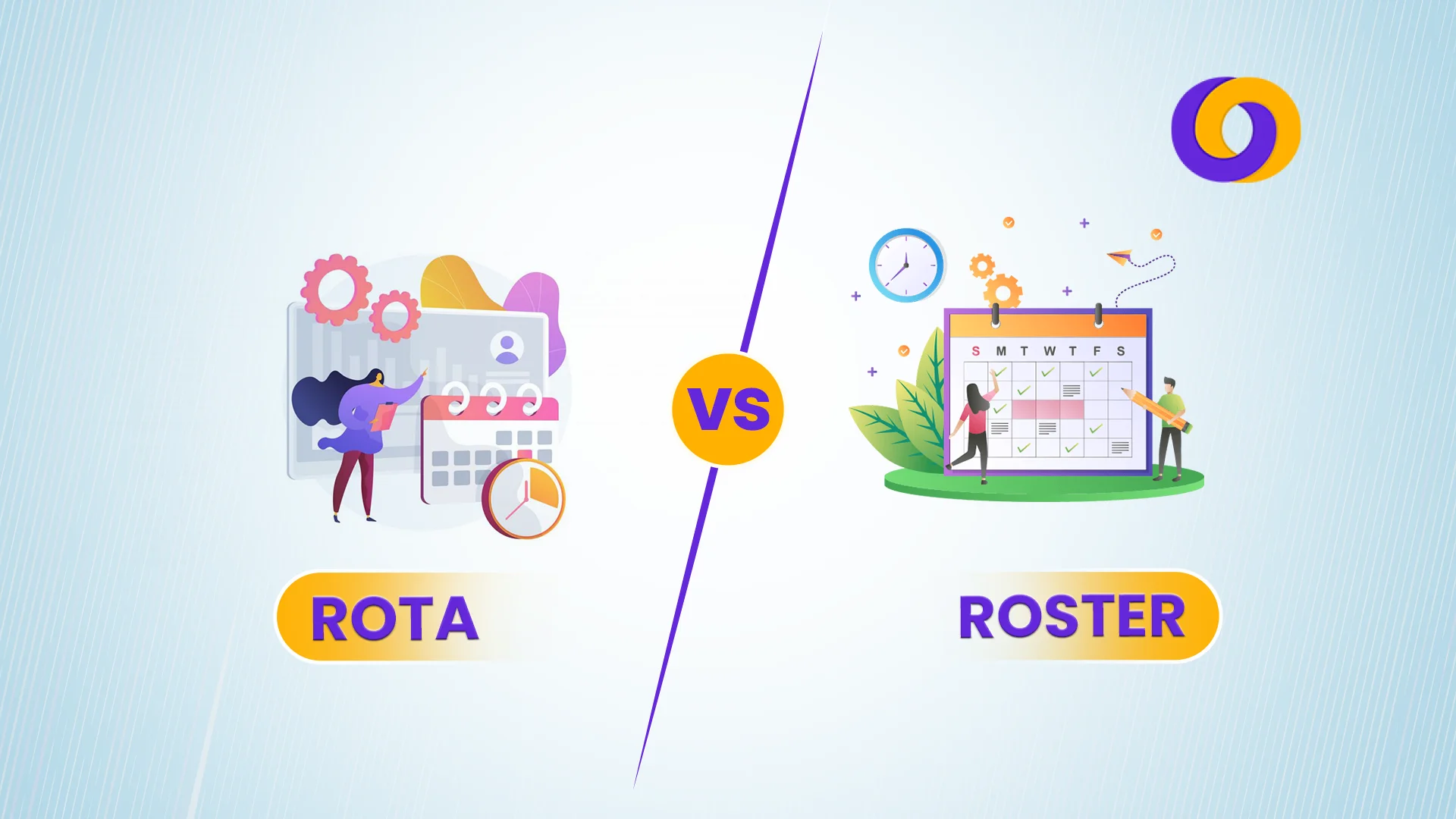
Here is the short version. A rota is the British term for a working timetable that rotates staff through shifts, so the same person is not always stuck on nights. A roster is a list of who is working, where, and when, and it leans more towards fixed assignments. One word grew up in the UK, the other travelled further across the US and the rest of the world.
That is why so many people search for rota or roster, roster vs rota, or even whether it should be spelled rosta at all. The terms overlap, they are often swapped without any trouble, and the right one depends on how your shifts actually behave.
This guide clears up the difference in plain English. It covers what each word means, where the spellings come from, how rota and roster compare with a plain schedule, and how to choose scheduling software that matches the way your team really works.
Whether you run a security firm, a care home, a warehouse, or a retail floor, getting this right makes staffing cleaner and your software decision far easier.
Rota vs Roster
In digital workforce management, “rota” and “roster” are often used interchangeably, but there are subtle differences between the two, depending on regional usage and the context.
Rota
Frequently utilized in the UK, “rota” is a schedule or timetable defining the working hours of staff members, usually on a revolving or cyclical basis. It stresses the concept of rotation among shifts, especially in positions where workers must cover shifts throughout the day or week.
Example
A rota system is used in a big shopping mall to control security personnel working different shifts. Operating 24/7, the mall demands three shifts for the security staff: morning (8 a.m. to 4 p.m.), evening (4 p.m. to 12 a.m.), and night (12 a.m. to 8 a.m.).
Guard A, for example, may work the morning shift on Monday, the evening shift on Wednesday, and the night shift on Friday. This lets for fair distribution of work hours and helps to avoid burnout brought on by continual unwanted shift employment.
Roster
In the US more broadly, “roster” is a list of workers assigned to particular activities or shifts. Though it could not highlight rotation, a roster often includes information about which employees are scheduled to work at which time and at which location.
Example
Standard corporate office hours are 9 a.m. to 6 p.m. So, a roster system is put in place to control security staff. Each guard is given a predetermined seven-day schedule.
Assume Guard B is in charge of watching the entrance on Mondays, Tuesdays, and Fridays, while Guard C oversees the surveillance room on Wednesdays and Thursdays.
Unlike a rota, the roster guarantees consistency and routine in their responsibilities by assigning each guard a certain, continuous responsibility at predetermined times. Predictability is sought for security operations. This system is suited for settings wherein changes are not needed frequently.
Roster vs Rota – Key Differences
| Aspect | Rota | Roster |
| Primary Usage | Commonly used in the UK | Widely used globally, particularly in the US |
| Emphasis | Focuses on rotating shifts or duties | Focuses on listing employees for specific tasks or shifts |
| Nature of Scheduling | Often used in environments requiring frequent shift changes (e.g., hospitals, security companies) | Applies to general scheduling, including static or dynamic shifts |
| Example of Usage | “Nurses follow a weekly rota for night shifts.” | “The security team is listed on the roster for today’s event.” |
| Regional Preference | UK and Commonwealth countries | US and other global regions |
When it comes to employee management through various shifts and jobs, Rota and Roster basically come down to the distinction of two similar yet differing concepts. However, choosing the right scheduling software that just fits your business requirements is all that matters. It enhances the efficiency of your staff management.
Rota, Roster, or Rosta: Which Spelling Is Correct?
One thing worth settling early is the spelling, because the search box is full of people asking whether it is rota, roster, or rosta.
Rota and roster are both correct English words. Rota comes from Latin and is standard British usage for a shift timetable. Roster is also standard and is the more common term in the US, Australia, and much of the world. Neither is wrong, and in UK workplaces you will hear both.
Rosta is the odd one out. It is a common misspelling of rota rather than a real word, though it turns up often enough that people assume it is official. If you are writing a policy or naming a document, stick with rota or roster and leave rosta alone.
So the honest answer to rota or roster is that both are fine. What matters far more is whether your actual schedule rotates staff or simply lists them, which is the real difference behind the two words.
Is Rota Short for Rotation? What the Word Actually Means
A question that comes up just as often is whether rota is short for rotation. It is an easy assumption to make, since a rota usually does rotate people through shifts.
The answer is no. Rota is not an abbreviation or an acronym, and it has no full form to spell out. It comes from the Latin word for wheel, which is where the sense of things coming around in turn comes from. So while rota and rotation share the same root, rota is a complete word on its own, not a shortened version of anything.
In day to day UK use, a rota simply means the plan that shows who works which shift over a given period. You might see a weekly rota, a monthly rota, or a rolling pattern that repeats, such as a four on four off rota. None of them stand for a longer phrase.
Duty Roster vs Duty Rota: Is There a Difference?
You will also see both words paired with the word duty, as in duty roster or duty rota. People often ask which of these is correct, and the reassuring answer is that they mean almost exactly the same thing.
A duty rota and a duty roster both describe a plan that sets out who is on duty at a given time. The phrase duty roster is more common in security, the armed forces, and healthcare, while duty rota sounds more natural in everyday British workplaces. The content is identical: names, dates, times, and responsibilities.
If your team already uses one phrase, there is no need to switch. Pick the term your staff recognise and keep it consistent across your schedules and rota management software so nobody is left guessing which document to check.
Rota vs Roster vs Schedule: Where a Schedule Fits In
Once rota and roster are clear, a third word usually joins the conversation: schedule. People search for rota vs schedule and roster vs schedule looking for the line between them.
A schedule is the broadest term of the three. It can mean any plan of work over time, including a rota or a roster, but also deadlines, appointments, or project timelines that have nothing to do with shifts. Every rota is a schedule, but not every schedule is a rota.
In practice, rota and roster are specific kinds of staff schedule. A rota is a schedule that rotates people through shifts. A roster is a schedule that lists who covers what. If a colleague mentions the schedule, they usually mean whichever of these your workplace runs on, so it is worth checking which they have in mind before you plan around it.
Why Choosing the Right Software Matters?
For any manager, working with the workforce in a retail shop or large organization can be challenging in terms of scheduling. You risk more cases of absenteeism, disruption of operations, and non-compliance without proper scheduling tools.
Choosing between rota or roster-based scheduling software depends on your industry, team dynamics, and their workload requirements. But if the software mismatches the nature of your business operations, it can lead to inefficiencies that low productivity and cost hikes in return.
Companies like retail, healthcare, and security services, whose staff needs are changing according to the changing requirements, would be best handled in a rota-based system.
In contrast to this, corporate offices, or any other organization with static scheduling needs, would adopt a roster-based system. However, both of the systems have many different advantages, but in the end, it is necessary to find which model would best suit your business and aid the long-term goals.
Features to Look for in Rota-Based Scheduling Software
If your business employs people working on rotating shifts, then rota-based scheduling software can simplify the whole process and adapt to shifting demands. Here are some features you should keep an eye out for:
Flexibility: Rota-based software is helpful when flexible or rotating shifts are applied. For instance, during these types of shifts, different people work at different times and have different responsibilities. This is important when the turnover is huge and the demand is changing from day to day. This typically occurs in service industries such as healthcare and hospitality.
Automated shift rotation: Automation eliminates human errors as the shifts are being created, so the schedules begin to balance out. In addition, software with automation ensures shifts are appropriately given to employees to prevent overwork, which impacts employee satisfaction.
Overtime Control: Good shift rotation software should track hours worked so that overtime is controlled, so that labor law compliance is maintained and thus helps in keeping overtime costs under control without which it can explode out of control.
Demand Forecasting: Some of the most advanced rota-based tools include demand forecasting. These tools forecast how many staff will be required for a particular shift using data from the past. Also, it minimizes incidents of understaffing or overstaffing at specific shifts.
Features to Look for in Roster-Based Scheduling Software
A roster-based approach tends to work better when the shift requirements of a business are even and changing less frequently, i.e., the schedule is relatively static.
The key features of roster-based software include:
Assignment of Tasks: This software does not necessarily rotate employees between shifts but assigns a specific task to a given individual based on their skill set. It is about making sure that the right person is assigned the right task at the right time. Hence, improving operational efficiency.
Fixed Scheduling: Roster-based scheduling is ideal for companies whose shift patterns are not too dynamic and unpredictable. For instance, an office-based outfit whose employees work fixed shifts would appreciate the software that not only simplifies scheduling but also provides coverage in an uncomplicated manner without the need to dig into rotating shifts.
Long-term scheduling: Advanced roster software can schedule very far in advance, even months, and is best for organizations that do not see significant variations in workload between days or weeks.
Compliance and Reporting: It pertains to compliance and reporting as roster software can enable businesses to abide by labor laws, to provide breaks, and track hours, among other things.
Another key point of difference is the fact that, while rota-based software shifts schedules according to fluctuating demand, the roster software is meant to keep a rigid, predictable schedule in place.
How to Choose the Right Software?
Whether to choose rota or roster scheduling software is determined by your business needs and requirements. Some common questions asked before deciding are:
What are the staff’s needs?
The rota system would benefit businesses having fluctuating demand, just like security, retail, and healthcare. With a corporate office, however, if you have fixed schedules, then the software would be roster-based.
How do you manage shift rotation or task assignment?
If your workforce operates in rotating shifts, rota-based software equipped with features like automated shift rotation and overtime tracking will give you the efficiency needed. And if task assignment is critical, then roster software built on skill-based assignments can increase productivity.
How do you plan for demand forecasts?
When demand changes weekly, rota-based software with forecasting tools can really help you prepare more efficiently to allocate the workforce. When workflows are consistent and forecasting isn’t so critical, roster software easily supports day-by-day operations.
Integrating Software with Workforce Management Tools
Any rota or roster-based scheduling software supporting the streamlining of HR tasks such as payroll, compliance, and performance management is critical to integrate with workforce management tools.
Even with the most modern scheduling tools, integration with other systems such as time and attendance, payroll, and employee self-service platforms is often done to optimize efficiency.
For example, scheduling software that is integrated with the payroll system helps employees earn the right hours. Thus, errors in compensation are significantly decreased. In addition, the integration eliminates the need for manual timesheets. Hence, freeing time for the manager and the HR personnel to focus on other crucial issues.
Final Words
Rota or roster, the words matter less than the system behind them. What really decides your staffing success is whether your schedule matches how your team works. A rotating workforce in security, care, or retail needs a rota that shares shifts fairly. A stable team with fixed duties is better served by a roster that lists who does what.
Once you know which model fits, the software becomes the easy part. The right scheduling tool handles the rotation or the fixed list for you, tracks hours for compliance, and connects to payroll so nobody chases timesheets at month end.
Smart Workforce manages both rota and roster styles in one platform, so you are not locked into a single way of working as your business grows. Build fair rotations, assign fixed duties, and keep every site covered from one place.
See how it fits the way your team works and book a free demo today.
Frequently Asked Questions
What is the main difference between a rota and a roster?
A rota is the British term for a timetable that rotates staff through shifts, so the same person is not always on nights. A roster is a list of who works where and when, and it leans towards fixed assignments. In the UK both words are used, and in practice they often mean the same thing.
Is it spelled rota, roster, or rosta?
Rota and roster are both correct. Rota is standard British English, while roster is more common in the US and worldwide. Rosta is a misspelling of rota, not a real word, so it is best avoided in policies and documents.
Is rota short for rotation?
No. Rota is a complete word, not an abbreviation or acronym, and it has no full form. It comes from the Latin word for wheel, which is why it carries the sense of shifts coming round in turn. Rota and rotation share a root but are different words.
Is it duty rota or duty roster?
Both are correct and mean the same thing: a plan showing who is on duty and when. Duty roster is more common in security, healthcare, and the forces, while duty rota sounds more natural in general UK workplaces. Pick one and use it consistently.
What is the difference between a rota and a schedule?
A schedule is any plan of work over time, which can include a rota, a roster, deadlines, or appointments. A rota is a specific type of staff schedule that rotates people through shifts. Every rota is a schedule, but not every schedule is a rota.
How do I choose between rota and roster software?
Choose rota software if your shifts change often, as in retail, security, or healthcare. Choose roster software if shifts are stable and task based, as in most corporate offices. The best fit depends on how much your staffing changes week to week.
Can scheduling software handle both rota and roster styles?
Yes. Platforms like Smart Workforce offer hybrid functionality, managing rotating shifts and fixed assignments in one system, which suits businesses with mixed or changing scheduling needs.

0 Comments