
SUMMARY
- Enterprise vs SME matters – TrackTik and Timegate suit large contractors; SmartTask and GuardsPro fit smaller operations
- Integrated platforms save admin – Smart Workforce combines scheduling, patrol tracking, time & attendance, and BS7858 vetting in one system
- Mobile-first is non-negotiable – Guards need apps that work offline, with GPS, QR scanning, and instant incident reporting
- Compliance drives buying decisions – SIA licensing, BS7858 vetting, and Working Time Regulations must be tracked within the platform
- Client reporting is a competitive advantage – Automated, branded reports build trust and justify contract renewals
A security guard patrols a warehouse at 2am. They scan a QR code at each checkpoint. A control room operator watches their progress on a live dashboard. An incident is logged, photographed, and reported before the shift ends. The client receives an automated report by 8 am.
This isn’t the future. It’s what the best UK security companies do today.
Security guard management has transformed. Paper logs, WhatsApp rotas, and end-of-shift handwritten reports are no longer acceptable to clients, to regulators, or to guards themselves. A mobile security guard app is now essential infrastructure for any professional security operation.
The UK security industry faces unique challenges: SIA licensing compliance, BS7858 staff vetting, lone worker safety, and the demand for auditable evidence of service delivery. The right security guard software addresses all of these—and more.
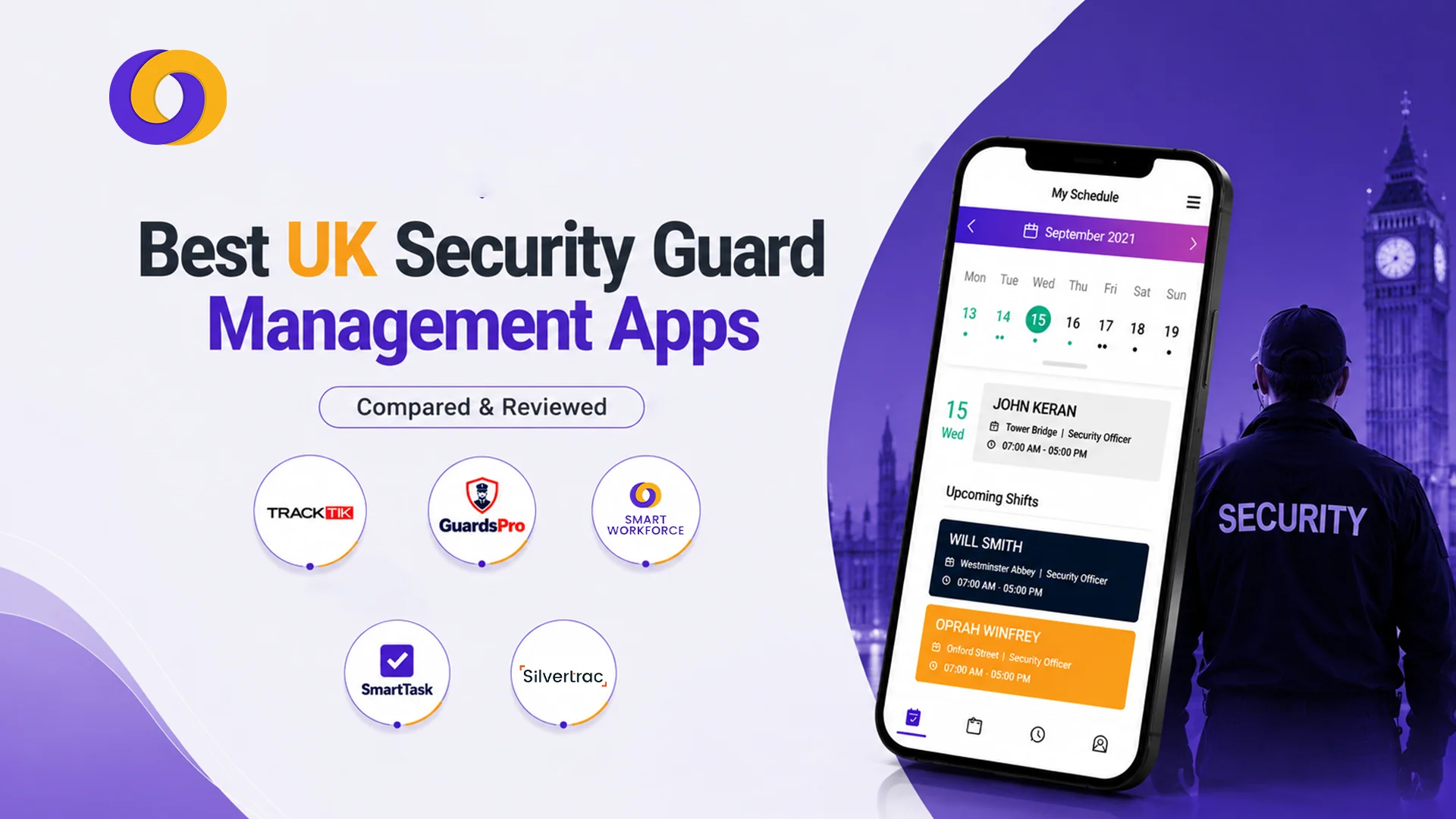
This guide compares the 10 best UK security guard management apps for 2026, helping you choose the right platform for your operation.
What to Look for in Security Guard Management Software
Before starting discussing the list, here are the features that matter most:
| Feature | Why It Matters |
| GPS tracking | Real-time visibility of guard locations; proof of patrol completion |
| QR/NFC checkpoint scanning | Digital evidence of patrol routes; eliminates falsified paper logs |
| Offline mode | Guards can scan checkpoints and log incidents without mobile signal; syncs when back online |
| Incident reporting | Photo, video, and text reports generated on the spot; automated client reporting |
| Scheduling and shift management | Staff rotas, availability tracking, shift swaps, and SIA licence expiry alerts |
| Time and attendance | Clock-in/out with GPS verification; integration with payroll |
| Lone worker safety | Automated check-ins, panic alerts, fall detection |
| BS7858 vetting | Track screening status, expiry dates, and compliance documents |
| Client reporting | Automated, branded reports delivered daily, weekly, or on demand |
Key Features: What Each Feature Delivers in Practice
Understanding the features is one thing. Knowing what they mean for your daily operations is another.
- Real-Time GPS Tracking
Supervisors see guard locations on a live dashboard. This provides proof of patrol completion, enables rapid response to incidents, and allows dynamic redeployment during emergencies. For lone workers, it’s a safety net, as someone always knows where they are.
- QR/NFC Checkpoint Scanning
Guards scan QR codes at designated points using the app. Each scan logs the time, location, and guard ID, creating a tamper-proof patrol record. Clients receive automated reports as evidence. No more disputes about whether patrols were completed.
- Offline Mode
Guards in basements, car parks, or remote sites often lose signal. Offline mode allows them to scan checkpoints and log incidents without connectivity. Data syncs automatically when the signal returns. Without this, you lose records in exactly the situations where you need them most.
- Incident Reporting
Guards can log incidents with photos, videos, and text descriptions directly from their phone. Reports are generated instantly and delivered to clients automatically. This eliminates handwritten reports and delayed client communication, critical for contract retention.
- Scheduling and Shift Management
Drag-and-drop rotas, shift swap requests, availability tracking, and SIA licence expiry alerts. Managers save 5-10 hours weekly on admin. Guards see their schedules on their phones; no more WhatsApp chaos.
- Time and Attendance
GPS-verified clock-in/out prevents buddy punching. Data integrates with payroll systems, eliminating manual timesheet errors. This alone saves UK security companies 2-5% of gross payroll annually.
- Lone Worker Safety
Automated check-ins prompt guards at scheduled intervals. If a guard misses a check-in, the system escalates to a supervisor. Panic buttons and fall detection provide instant SOS alerts with GPS location. For night patrols, this is non-negotiable.
- BS7858 Vetting
Tracks each guard’s screening status, expiry dates, and compliance documents. Automated reminders prevent expired staff vetting. Audit-ready reports are available on demand, essential for client contracts and SIA ACS compliance.
- Client Reporting
Automated, branded reports delivered daily, weekly, or on demand. Clients see proof of patrols, incident logs, and guard attendance without chasing your team. This builds trust and justifies contract renewals.
Top 10 Security Guard Management Apps for 2026
Let’s discuss in detail the 10 best UK security guard management apps for 2026:
1. TrackTik
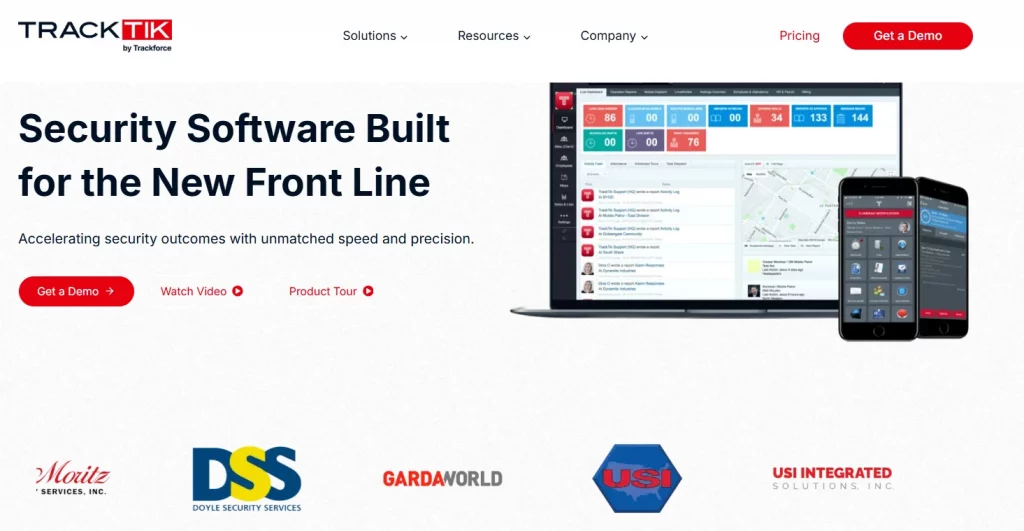
Best for: Enterprise security contractors with 100+ guards across multiple sites
Overview: TrackTik is a globally leading enterprise-grade platform. It offers comprehensive guard tracking, smart scheduling, incident reporting, and real-time performance analytics.
Key Features:
- Real-time guard tracking with GPS
- AI-driven scheduling optimised for skills, availability, and client requirements
- Incident and activity reporting with photo and video attachments
- Performance dashboards and analytics
- Client portals for real-time visibility
Pros: Enterprise-grade features; excellent reporting; scales globally
Cons: Complex implementation; expensive for smaller operators
Pricing: Custom quote based on users and modules
Rating: 4.6/5
2. SmartTask
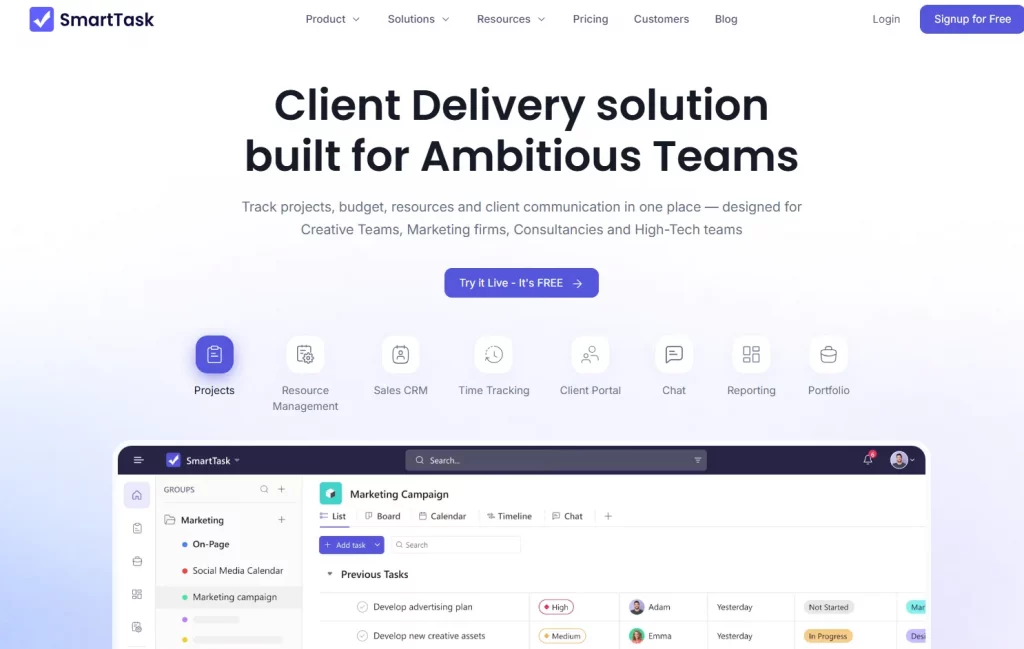
Best for: UK control room operations, keyholding, and workforce compliance
Overview: SmartTask is highly favoured in the UK for control room operations, keyholding, and workforce compliance. It is designed specifically for UK security contractors.
Key Features:
- Real-time guard tracking and patrol management
- Keyholding and alarm response workflows
- SIA licence and training compliance tracking
- Customer portals and automated reporting
- Lone worker protection with timed check-ins
Pros: UK-focused; excellent for keyholding; compliance tracking
Cons: User interface less intuitive than competitors; limited third-party integrations
Pricing: Custom quote
Rating: 4.4/5
3. Timegate(TEAM Software)
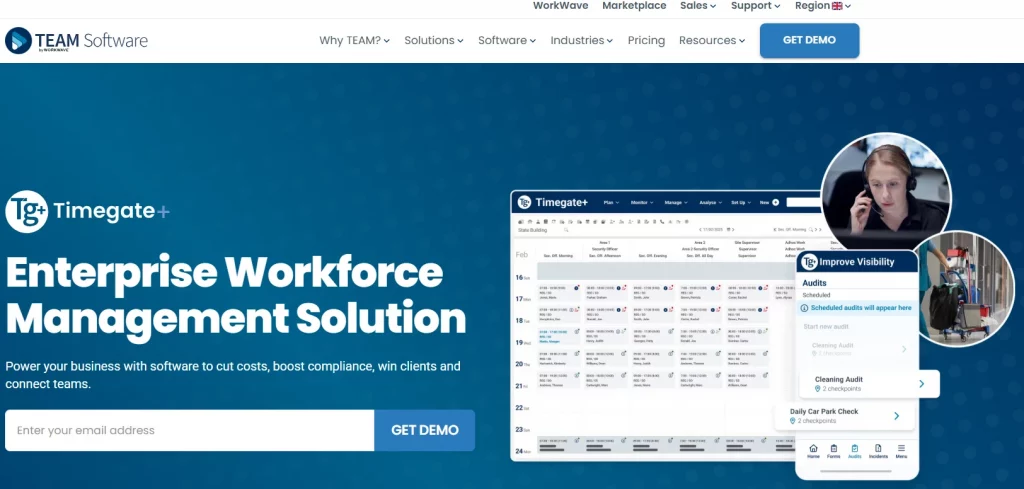
Best for: Large-scale UK security contractors needing enterprise-level scheduling and monitoring
Overview: Timegate (part of TEAM Software) is built for large security contractors. It provides robust scheduling, time and attendance, and operational oversight.
Key Features:
- Advanced scheduling and shift management
- Time and attendance with biometrics and mobile clock-in
- Client billing and payroll integration
- Real-time operational dashboards
Pros: Excellent for large teams; payroll integration; billing automation
Cons: Expensive and complex; not suited for small operators
Pricing: Custom enterprise pricing
Rating: 4.3/5
4. Smart Workforce
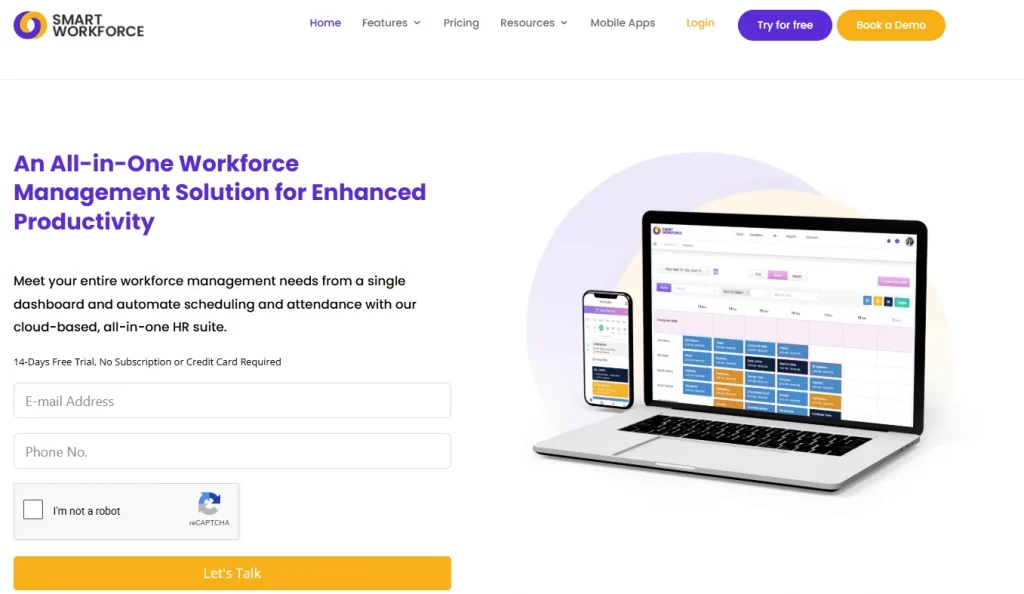
Best for: UK security companies needing an all-in-one guard patrol system, scheduling, time tracking, and BS7858 vetting
Overview: Smart Workforce is a comprehensive security guard management app designed specifically for UK security companies. It combines a guard patrol system, incident reporting, automated control room, time & attendance, scheduling, and BS7858 staff vetting in one platform.
Key Features:
- Guard patrol system – QR and GPS checkpoint scanning; real-time patrol tracking
- Incident reporting – Photo, video, and text reports with automated client delivery
- Scheduling – Drag-and-drop rotas, shift swaps, availability management
- Time and attendance – GPS clock-in/out; integration with payroll
- Lone worker safety – Automated check-ins, panic alerts, fall detection
- BS7858 staff vetting – Track screening status, expiry dates, and compliance documents
- Control room dashboard – Live visibility of all guards, sites, and incidents
Pros: All-in-one platform; purpose-built for UK security industry; includes BS7858 vetting; real-time visibility; UK-based support
Cons: Specialised for security; may include features smaller operations don’t need
Pricing: Tailored subscription based on selected modules
Rating: 4.7/5
5. Connecteam
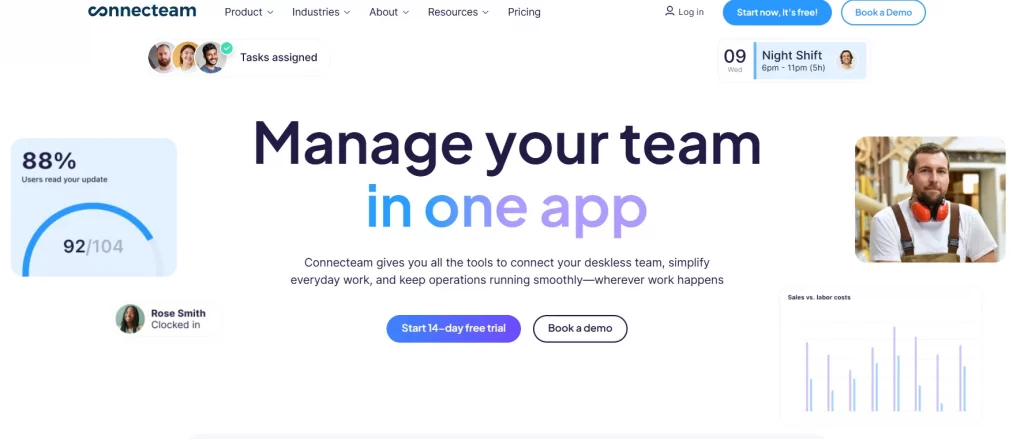
Best for: Budget-friendly, highly user-friendly mobile app with strong team communication
Overview: Connecteam is a user-friendly mobile app designed for deskless workers. It offers strong team communication, geofencing, shift scheduling, and time tracking.
Key Features:
- Shift scheduling and time clocks
- Geofencing and GPS tracking
- In-app team communication and updates
- Digital forms and checklists
- Training and knowledge base
Pros: Very easy to use; free tier for small teams; excellent team communication
Cons: Lacks security-specific features (BS7858, patrol checkpoints); not specialised for security
Pricing: Freemium; paid plans from £2-6 per user monthly
Rating: 4.5/5
6. GuardsPro
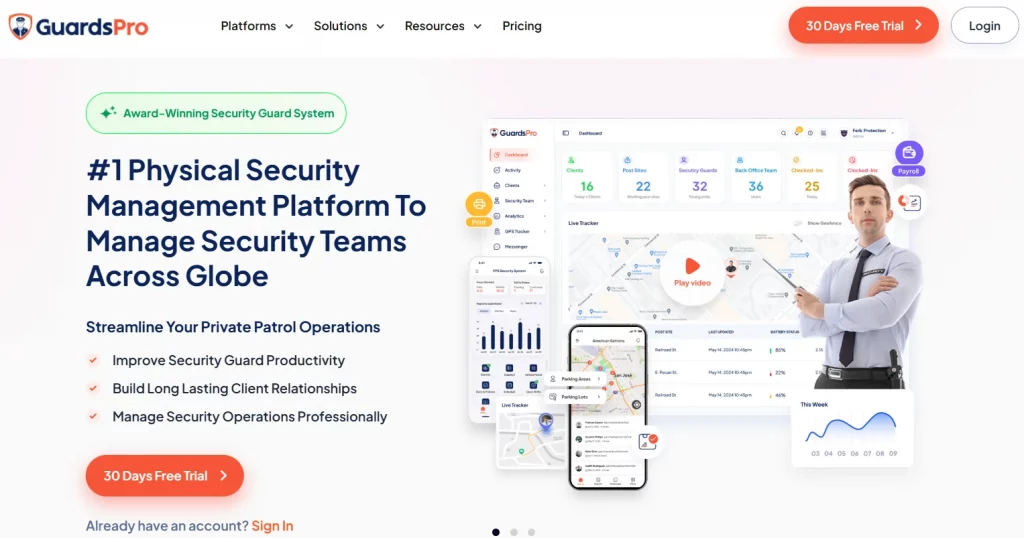
Best for: Affordable cloud-based scheduling, GPS tracking, and custom patrol reporting
Overview: GuardsPro is a specialised platform offering cloud-based scheduling, GPS tracking, and custom patrol reporting at affordable price points.
Key Features:
- Cloud-based scheduling
- GPS tracking and guard monitoring
- Custom patrol reporting
- Incident and activity logging
- Client reporting portals
Pros: Affordable; easy to use; good for small to medium operations
Cons: Fewer advanced features than enterprise platforms; limited integrations
Pricing: Pay-per-guard model; affordable for SMEs
Rating: 4.3/5
7. Silvertrac
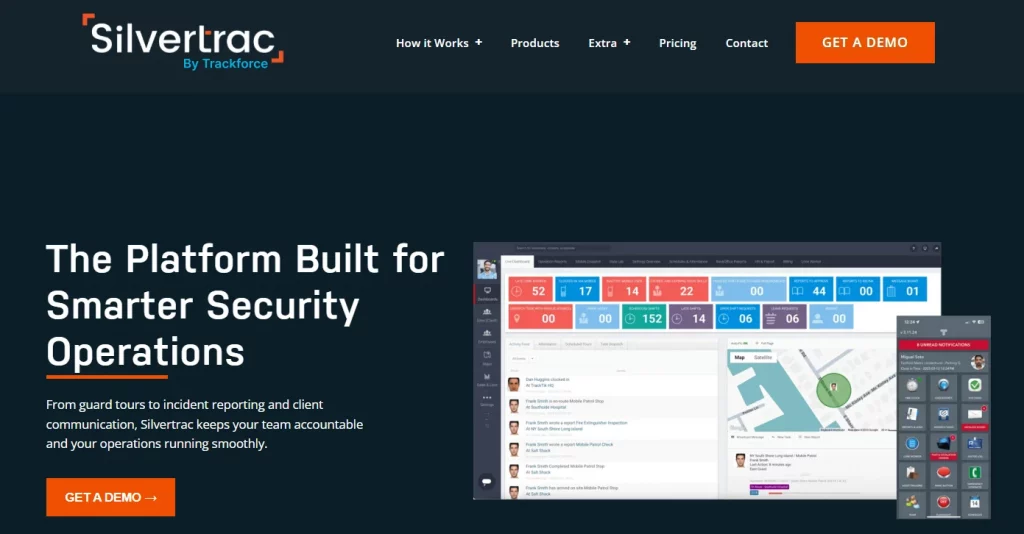
Best for: Guard tour tracking, GPS checkpoints, and robust daily activity logs
Overview: Silvertrac focuses heavily on guard tour tracking, GPS checkpoints, and robust daily activity logs.
Key Features:
- Guard tour tracking with GPS checkpoints
- Daily activity logs and incident reports
- Real-time monitoring dashboard
- Client reporting portals
Pros: Excellent for patrol verification; strong reporting; good for small-medium teams
Cons: Limited scheduling features; less comprehensive than all-in-one platforms
Pricing: Custom quote based on user count
Rating: 4.2/5
8. TrackforceValiant
Best for: Real-time dispatching, guard tracking, and custom workflow capabilities
Overview: Trackforce Valiant combines real-time dispatching, guard tracking, and custom workflow capabilities to streamline daily field operations.
Key Features:
- Real-time dispatching and guard tracking
- Customisable workflows for incident management
- Time and attendance
- Client and employee portals
Pros: Highly customisable; strong dispatching; suitable for complex operations
Cons: Implementation can be complex; requires significant configuration
Pricing: Custom enterprise pricing
Rating: 4.4/5
9. SequriX
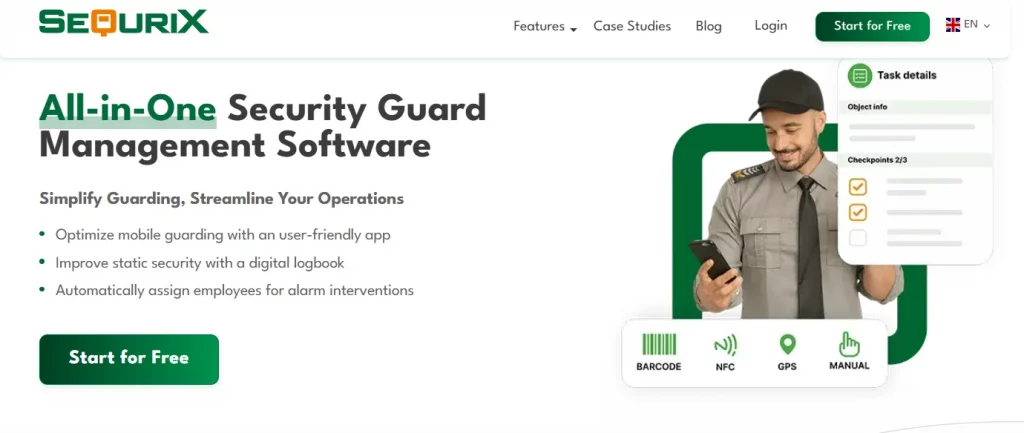
Best for: European security companies needing mobile patrol routing, alarm response, and automated invoicing
Overview: SequriX is a strong European solution that digitises security workflows, offering excellent mobile patrol routing, alarm response, and automated invoicing.
Key Features:
- Mobile patrol routing and tracking
- Alarm response workflows
- Automated invoicing and billing
- Incident reporting
Pros: Strong patrol and alarm response features; automated billing
Cons: Less UK-focused; fewer UK integrations; European support
Pricing: Custom quote
Rating: 4.2/5
10. OfficerReports
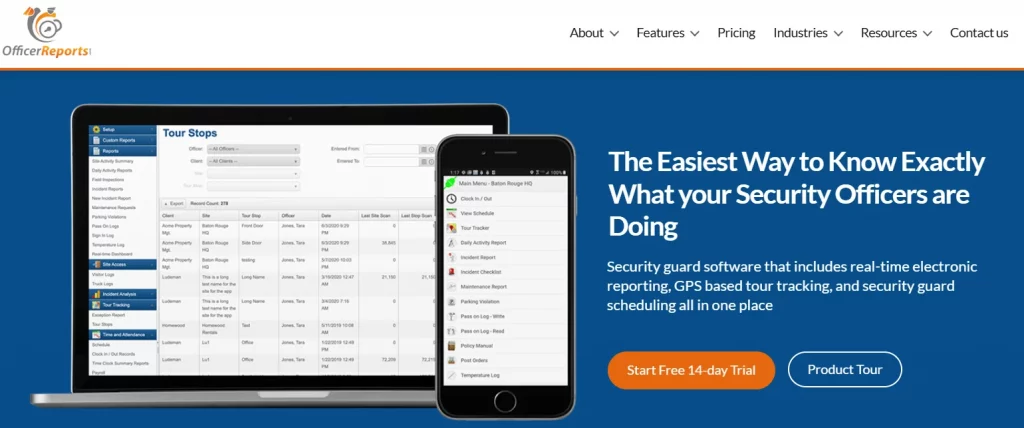
Best for: Digital incident reporting, daily patrol logs, and client-facing performance portals
Overview: OfficerReports enables seamless digital incident reporting, daily patrol logs, and client-facing performance portals.
Key Features:
- Digital incident reporting with photo and video
- Daily patrol logs
- Client-facing performance portals
- Custom report templates
Pros: Excellent reporting; strong client portals; easy to use
Cons: Limited scheduling and guard tracking features; focused primarily on reporting
Pricing: Affordable; tiered based on user count
Rating: 4.3/5
Comparison Table: 10 Security Guard Management Apps
| App | Best For | Key Differentiator | Pricing | Rating |
| TrackTik | Enterprise contractors | Global scale, AI scheduling | Custom | 4.6/5 |
| SmartTask | UK control rooms | Keyholding and compliance | Custom | 4.4/5 |
| Timegate | Large contractors | Enterprise scheduling + billing | Custom | 4.3/5 |
| Smart Workforce | UK security all-in-one | Patrol + scheduling + BS7858 vetting | Tailored | 4.7/5 |
| Connecteam | Budget-friendly teams | Comms + geofencing | Freemium | 4.5/5 |
| GuardsPro | Affordable SME | Patrol reporting + scheduling | Pay-per-guard | 4.3/5 |
| Silvertrac | Patrol verification | GPS checkpoints + logs | Custom | 4.2/5 |
| Trackforce Valiant | Dispatching | Custom workflows | Custom | 4.4/5 |
| SequriX | Patrol routing | Alarm response + invoicing | Custom | 4.2/5 |
| OfficerReports | Incident reporting | Client portals | Tiered | 4.3/5 |
Quick Decision Guide
| If you are… | Choose… |
| A large enterprise contractor (100+ guards) | TrackTik or Timegate |
| A UK control room operator | SmartTask |
| A UK security company needing all-in-one (patrol, scheduling, BS7858) | Smart Workforce |
| A small or medium security company on a budget | GuardsPro or Connecteam |
| Focused primarily on patrol verification | Silvertrac |
| Needing advanced dispatching | Trackforce Valiant |
| A European operator | SequriX |
| Needing strong client reporting | OfficerReports |
Why UK Security Companies Are Adopting Mobile Guard Apps
The shift from paper to digital isn’t just about convenience. It’s driven by client expectations, compliance requirements, and operational efficiency.
- Client expectations have changed
Clients no longer accept “Trust us, the patrol happened.” They demand evidence: timestamps, GPS locations, photos, and audit trails. Security guard apps provide this automatically.
- SIA ACS accreditation requires it
The SIA Approved Contractor Scheme now expects digital systems for vetting, training, supervision, and compliance. Manual paper logs don’t meet the standard.
- Lone worker safety is a legal requirement
Under the Health and Safety at Work Act, employers must monitor lone workers and respond to incidents. Apps with check-in features and panic buttons provide evidence of compliance.
- Buddy punching costs millions
Manual timesheets and swipe cards are easily abused. GPS-verified clock-in/out eliminates time theft. Thus, saving UK security companies an estimated 2-5% of gross payroll annually.
- Paper logs are being phased out
Clients, insurers, and regulators increasingly expect digital records. Paper logs can be lost, damaged, or falsified. Digital patrol records are tamper-proof, auditable, and client-ready.
How to Choose the Right Security Guard Management App
With 10 options on the table, here’s how to narrow down your choice.
- Start with your must-haves. List the features you genuinely need—not what looks nice on a spec sheet. Must-haves for most UK security companies: patrol tracking, incident reporting, scheduling, time and attendance, lone worker safety, and client reporting.
- Consider your team size. TrackTik and Timegate suit large contractors (100+ guards). Smart Workforce, GuardsPro, and Connecteam work for small to medium operations (10-100 guards). Enterprise platforms are overkill for small teams—and expensive.
- Check UK compliance. Does the platform track SIA licence expiry dates? Does it support BS7858 vetting? Is it GDPR-compliant? If you’re a UK security company, these aren’t optional. Generic platforms often lack these features.
- Test the mobile experience. Your guards will use this app every shift. If it’s clunky, slow, or confusing, adoption will fail. Ask for a demo. Give it to a real guard to test. Watch what happens.
- Ask about offline mode. Guards work in basements, lifts, and remote sites. If the app doesn’t work offline, you’ll lose patrol records. This is non-negotiable.
- Check integration with existing systems. Does the app integrate with your payroll, HR, or billing systems? Manual data entry between systems creates errors and wastes time.
- Calculate total cost—not just per-user fees. Some platforms appear cheap but charge extra for essential features (client reporting, lone worker safety, BS7858 tracking). Get the full pricing breakdown before committing.
- Request client references. Ask for references from security companies of similar size and sector. What worked? What didn’t? Would they choose the same platform again?
- Run a pilot. Test with a small group of guards for 2-4 weeks before rolling out company-wide. Gather feedback. Identify gaps. Confirm the platform delivers what was promised.
- Plan for onboarding. The best software fails without proper onboarding. Ask about training, data migration, and ongoing support. A platform that’s hard to implement will be hard to use.
Conclusion
The UK security industry demands more than just basic scheduling. Clients require evidence of service delivery, compliance with SIA and BS7858 standards, lone worker protection, and professional, branded reporting.
The right app for security guards or security guard tracking software delivers all of this and more.
For UK security companies, the choice depends on:
- Team size – Enterprise platforms suit large contractors; affordable options suit SMEs
- Industry focus – Security-specific platforms (Smart Workforce, SmartTask) understand BS7858 and SIA compliance
- Feature needs – Some operations need patrol verification; others need incident reporting or lone worker safety
- Budget – Freemium options exist, but dedicated security platforms offer better ROI
How Smart Workforce Delivers Complete Guard Management
The solution is purpose-built for UK security companies. It combines a security guard tracking software patrol system with scheduling, time and attendance, lone worker safety, and BS7858 staff vetting; all in one platform.
Discover How Smart Workforce Transforms Guard Management. Book a Demo Today
Frequently Asked Questions
What app do security guards use?
Most UK security guards use dedicated apps like Smart Workforce, TrackTik, GuardsPro, or SmartTask. These apps handle patrols, incidents, scheduling, and lone worker protection.
Best security guard patrol app in the UK?
Smart Workforce is the top choice for UK security teams. It combines patrol verification, scheduling, time tracking, lone worker safety, and BS7858 vetting in one platform.
How do guards log patrols on their phones?
Guards scan QR codes or NFC tags at checkpoint locations using the app. The scan logs the time, location, and guard ID, automatically creating a tamper-proof patrol record.
What is a guard tour system?
A digital system that tracks security guards during patrols. Guards scan checkpoints (QR/NFC) to prove they visited specific locations at scheduled times. Clients get automated reports as evidence.
How to track security guards remotely in the UK?
Use guard tracking software with GPS. Supervisors view guard locations on a live dashboard. Most apps also support offline scanning; data syncs when the signal returns.
What is SIA ACS accreditation?
The SIA Approved Contractor Scheme (ACS) is a UK quality standard for security companies. ACS-accredited firms must demonstrate high standards in vetting, training, supervision, and compliance.
How to manage lone worker guards in the UK?
Use lone worker features: automated check-ins (timed prompts), panic buttons, fall detection, and GPS tracking. Missed check-ins escalate to supervisors or an alarm receiving centre.

0 Comments
Trackbacks/Pingbacks